

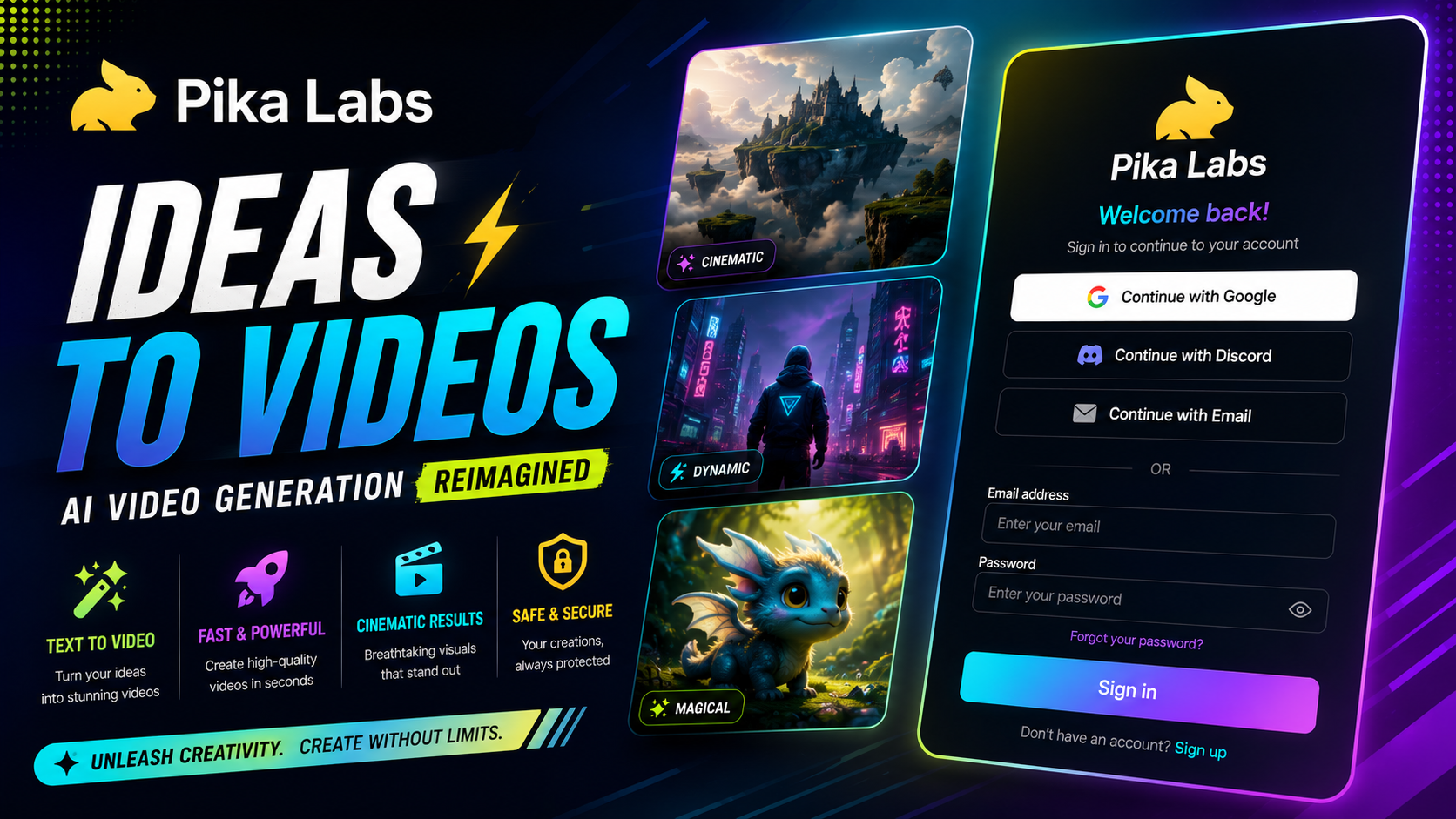

Pika Labs in 2026:
If you’ve scrolled through TikTok or Instagram lately and seen a video where an object suddenly melts, explodes, or gets inflated like a balloon for no reason, there’s a good chance you were watching something made with Pika Labs. It’s become one of the go-to tools for AI-generated video, not because it produces the most realistic footage, but because it makes strange, eye-catching effects genuinely easy to create.
This guide covers what Pika Labs actually is, what it can do, how much it costs in 2026, and whether it’s the right AI video tool for your specific content, whether that’s short-form social clips, concept prototyping, or experimental creative projects.
What Is Pika Labs?
Pika Labs is an AI video generation platform that turns text prompts, still images, or existing video clips into short animated videos. Founded in 2023 by two Stanford AI researchers, it has grown into one of the more widely used AI video tools, with tens of millions of users across its web app and companion mobile app.
The platform is built around its proprietary Pika model, which handles text-to-video, image-to-video, and video-to-video editing. What sets it apart from competitors isn’t raw photorealism, it’s a suite of branded creative effects that let users do things most other AI video tools simply don’t offer.

Pika Labs Key Features Explained:
Pikaffects:
This is Pika’s signature feature set, offering physics-defying effects like melting, exploding, inflating, or squishing an object or subject in a video. It’s the tool most associated with Pika’s viral, meme-friendly content style.
Pikadditions:
Lets users insert new characters or objects into existing real footage, blending AI-generated elements into a scene that was originally filmed normally.
Pikaswaps:
Replaces an object within a scene with something else entirely, useful for quick creative edits without reshooting anything.
Pikaframes:
Interpolates between a start and end keyframe, letting users control the beginning and end state of a clip while the AI generates the motion in between.
Pikaformance:
An audio-driven lip-sync feature that syncs a character’s mouth movements to an audio track, useful for dialogue-driven or narrated content.
Pika Labs Pricing in 2026:
Pika Labs offers a free tier that provides a set number of monthly credits, generally enough to test the platform seriously and produce a handful of short clips without paying anything.
Paid plans scale up from there, starting at roughly $8 per month for an entry-level tier with a modest credit allowance, up through mid-range plans in the high $20s to high $70s per month for teams or high-volume creators who need thousands of credits and faster generation speeds. Credits are consumed based on output resolution and clip length, so a short, lower-resolution clip costs far less than a longer, higher-resolution generation.
Because pricing and credit allowances shift fairly often in the AI video space, it’s worth checking Pika’s official pricing page directly before committing to a plan, especially if you’re budgeting for client or business work.
How Pika Labs Compares to Other AI Video Tools
Runway generally produces more consistent, higher-fidelity output for cinematic or narrative work, but at a higher price point. Pika trades some of that polish for speed, accessibility, and its distinctive creative effects.
Pika Labs vs Kling AI:
Kling tends to edge out Pika on raw video quality and scene consistency, while Pika remains stronger for short, expressive, effect-driven content aimed at social platforms.
Where Pika Fits Best:
Community consensus generally places Pika as one of the more budget-friendly, beginner-accessible options in the AI video space, particularly strong for short social clips and rapid concept prototyping, but less suited to longer, highly consistent cinematic sequences.
Best Use Cases for Pika Labs:
Concept prototyping: Marketing teams and creators often use Pika to visualize an idea quickly before committing to a full production.
Experimental creative projects: Artists and hobbyists exploring what AI video can do without a steep learning curve.
Meme and effect-driven content: The Pikaffects toolkit is tailor-made for viral, physics-bending video styles.
Common Limitations to Know Before You Start
Quality inconsistency: Output can range from genuinely impressive to glitchy within the same session, so expect some trial and error.
Limited scene consistency: Longer or more complex scenes are harder for Pika to maintain accurately compared to tools built for cinematic work.
Credit costs add up: Higher-resolution or longer clips consume credits quickly, so it’s worth planning generations rather than experimenting endlessly on a lower-tier plan.
Frequently Asked Questions:
What is Pika Labs used for? Pika Labs is used to generate short AI videos from text prompts, images, or existing footage, with a focus on creative effects like Pikaffects for social media and experimental content.
Is Pika Labs free to use? Yes, Pika Labs offers a free tier with a limited number of monthly credits, enough to test the platform before deciding whether to upgrade to a paid plan.
Is Pika Labs better than Runway? Not necessarily better, but different. Runway generally offers more consistent, higher-fidelity output for cinematic work, while Pika focuses on speed, accessibility, and unique creative effects.
Can I use Pika Labs for commercial projects? Paid plans generally include commercial usage rights, but it’s worth confirming the specific licensing terms on Pika’s current pricing page before using generated content commercially.
What makes Pikaffects different from other AI video effects? Pikaffects specializes in physics-defying transformations, like melting or exploding objects, that aren’t commonly offered as a built-in, one-click feature on competing platforms.
Final Thoughts:
Pika Labs has carved out a genuine niche in a crowded AI video space by leaning into fun, expressive effects rather than chasing photorealism at all costs. For social content creators, marketers prototyping ideas, or anyone experimenting with AI video for the first time, it remains one of the most accessible entry points available in 2026.
If you’re curious, start with Pika’s free tier and generate a few clips using Pikaffects to get a feel for what it can do. If the style fits your content, upgrading to a paid plan is a low-risk next step.
Read more our articles:
GIMP vs Photoshop
Canva vs Photoshop
Leave a Reply