

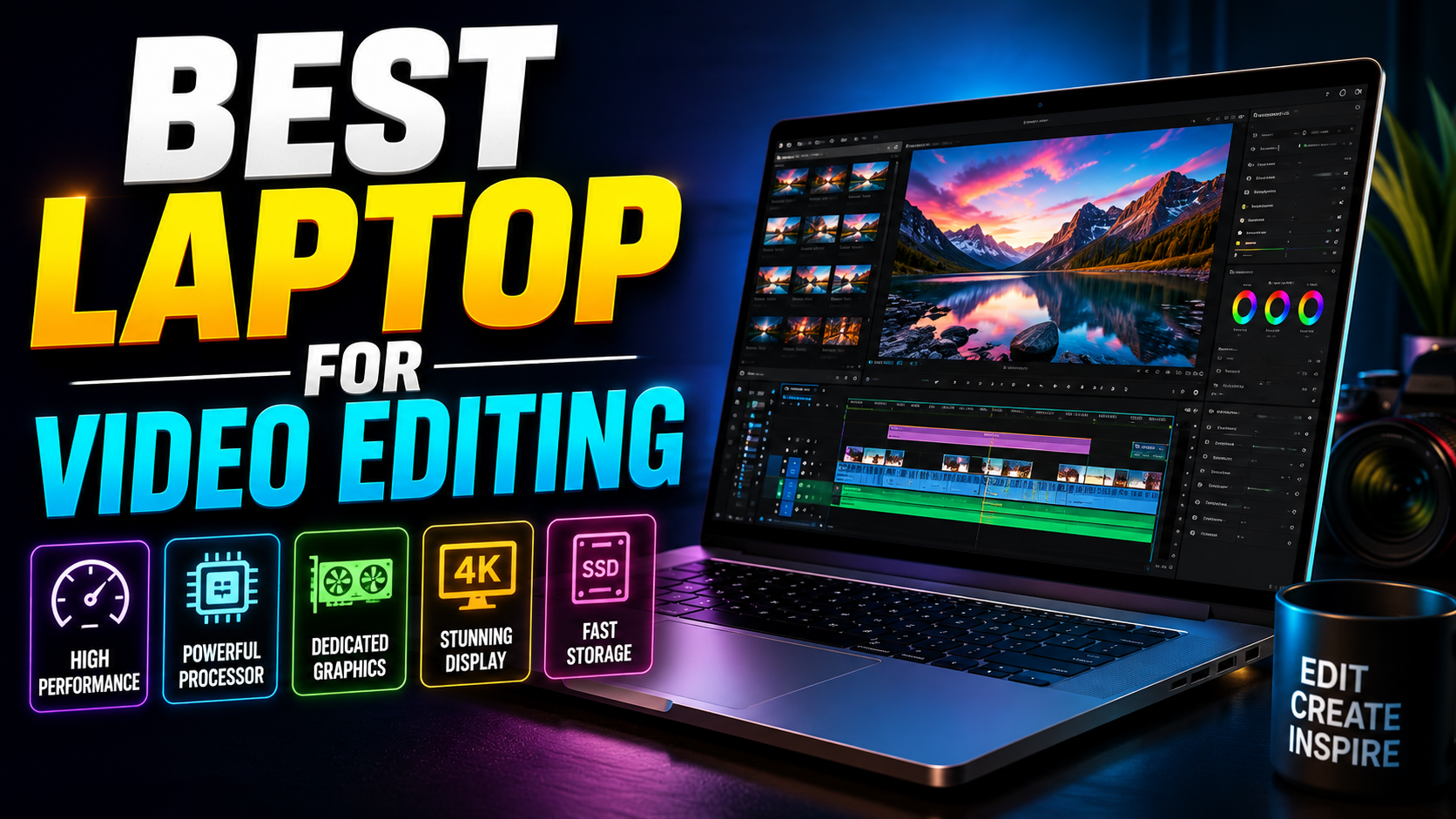

Best or Video Editing in 2026
Best laptop for video editing: Buying a laptop for video editing is one of those decisions where the wrong choice doesn’t just disappoint you — it actively slows down your work. Laggy timelines, endless render waits, and a screen that shows the wrong colors are all symptoms of hardware that wasn’t built for this job in the first place.
This guide covers the best laptop for video editing in 2026 across every budget, from lightweight everyday editors to full-blown mobile workstations, along with the specs that actually matter versus the ones you can safely ignore.
What Actually Matters in a Video Editing Laptop
Before jumping into recommendations, it helps to know what you’re really paying for.
CPU and GPU: The Real Workhorses
Video editing software leans heavily on both the processor and the graphics card. Multi-threaded CPU performance affects timeline scrubbing and effects rendering, while a strong GPU accelerates exports and color grading, especially in GPU-heavy software like DaVinci Resolve. Look for recent Intel Core Ultra or AMD Ryzen AI chips on the Windows side, or Apple’s M-series chips on the Mac side.
RAM: Don’t Undersize This
32GB is a reasonable minimum for smooth 4K editing in 2026. If you regularly work with 6K or 8K footage, multiple layers of effects, or heavy color grading, 64GB gives you meaningfully more headroom before the system starts struggling.
Display Quality for Color-Accurate Editing
A factory-calibrated display covering 100% of the DCI-P3 or sRGB color space is essential if you’re doing any color grading. OLED and mini-LED panels tend to offer better contrast and more accurate blacks than standard LCD screens, which matters more than most editors expect until they see the difference side by side.
Storage and Ports
A fast NVMe SSD is non-negotiable for smooth playback of high-resolution footage. Aim for 1TB minimum, with 2TB being ideal if you’re not relying entirely on external drives. Ports matter too — an SD card reader and enough USB-C/Thunderbolt ports save you from carrying a bag of dongles on every shoot.
Best MacBook for Video Editing
Apple Silicon remains the standard reference point for editors working in Final Cut Pro, and it performs strongly in Premiere Pro and DaVinci Resolve as well.
Best Overall: MacBook Pro 16-inch (M-series Pro/Max)
The 16-inch MacBook Pro continues to be the go-to recommendation for most professional editors. It pairs a large, color-accurate Liquid Retina XDR display with enough sustained performance to handle demanding 4K and 6K timelines without thermal throttling, and battery life remains a genuine advantage over most Windows alternatives.
Best Compact Mac: MacBook Pro 14-inch
The 14-inch model delivers nearly the same editing performance in a smaller, more portable chassis. It’s the better pick if you travel frequently or edit on location, though the higher-end chip configurations can run into thermal limits slightly sooner than the 16-inch version during long export sessions.
Best Budget Mac: MacBook Air (M-series)
For lighter editing work — vlogs, short-form content, or projects that don’t demand heavy color grading — the MacBook Air is a genuinely capable and far more affordable option. It lacks active cooling, so it’s not built for long render sessions, but for everyday editing it punches well above its price.
Best Windows Laptop for Video Editing
If you’re not tied to the Apple ecosystem, or you rely on software or plugins that run better on Windows, these are the strongest options.
Best Overall Windows Option: ASUS ProArt Studiobook / ProArt P16
ASUS’s ProArt line is purpose-built for creators, typically pairing a 4K OLED display with high-end Nvidia RTX graphics. These machines are specifically tuned for color-critical work and handle GPU-accelerated rendering in Premiere Pro and DaVinci Resolve exceptionally well, making them a legitimate alternative to the MacBook Pro for Windows-based editors.
Best for Editing and Gaming: Razer Blade 16
If you want a single laptop that handles both editing and gaming well, the Razer Blade 16 is a strong dual-purpose choice. It offers a bright, high-resolution display and powerful Nvidia graphics, though battery life takes a noticeable hit compared to Mac alternatives.
Best Budget Windows Option
For editors on a tighter budget, mid-range laptops with a recent-generation Intel or AMD processor paired with an RTX 4060-class or newer GPU can still handle 1080p and light 4K editing comfortably. You’ll give up some display quality and sustained performance compared to premium options, but it’s a legitimate entry point for beginners.
RTX 40-Series vs 50-Series: Does It Matter for Editing?
If you’re shopping for a Windows machine, Nvidia’s GPU generation is worth paying attention to. The 50-series brought meaningful improvements to hardware video encoding and decoding, particularly for 10-bit color workflows, which translates to real gains in export speed for professional colorists. If you work primarily in standard 8-bit footage, older 40-series laptops still perform well and are often available at a lower price.
Must read more in detail: 10 Best Laptop For Video Editing of 2026
Frequently Asked Questions
How much RAM do I need for video editing on a laptop? 32GB is a solid minimum for smooth 4K editing in 2026. If you regularly work with 6K or 8K footage or heavy color grading, 64GB provides noticeably more comfortable headroom.
Is a MacBook or Windows laptop better for video editing? Both can handle professional editing well. MacBooks tend to offer better battery life and are the standard for Final Cut Pro, while Windows laptops like the ASUS ProArt line offer strong GPU-accelerated performance and more configuration flexibility for Premiere Pro and DaVinci Resolve.
What’s the best budget laptop for video editing? The MacBook Air is the strongest budget option for lighter editing work on Mac, while Windows laptops with a recent Intel or AMD processor and an RTX 4060-class GPU or newer offer a solid budget entry point for 1080p and light 4K editing.
Do I need a dedicated GPU for video editing? For anything beyond basic 1080p cuts, yes. A dedicated GPU significantly speeds up rendering, color grading, and exports, especially in GPU-accelerated software like DaVinci Resolve and Premiere Pro.
Is 16GB of RAM enough for video editing? 16GB can handle basic 1080p editing, but it’s tight for 4K work and will likely cause slowdowns once you add multiple effects layers or work with larger files. 32GB is the safer starting point for most editors in 2026.
Final Thoughts
The right laptop for video editing depends less on chasing the highest specs and more on matching the machine to how you actually work. If you’re all-in on the Apple ecosystem, the MacBook Pro 16-inch remains the safest, most capable choice. If you need Windows flexibility or GPU-heavy performance, the ASUS ProArt line is hard to beat. And if you’re just getting started, there’s no need to overspend — a well-chosen budget option will handle most early projects just fine.
Ready to pick your next editing machine? Match your typical footage resolution and editing software to the recommendations above, and prioritize RAM and display quality over chasing the newest chip generation — that’s where most editors actually feel the difference day to day.
Leave a Reply