

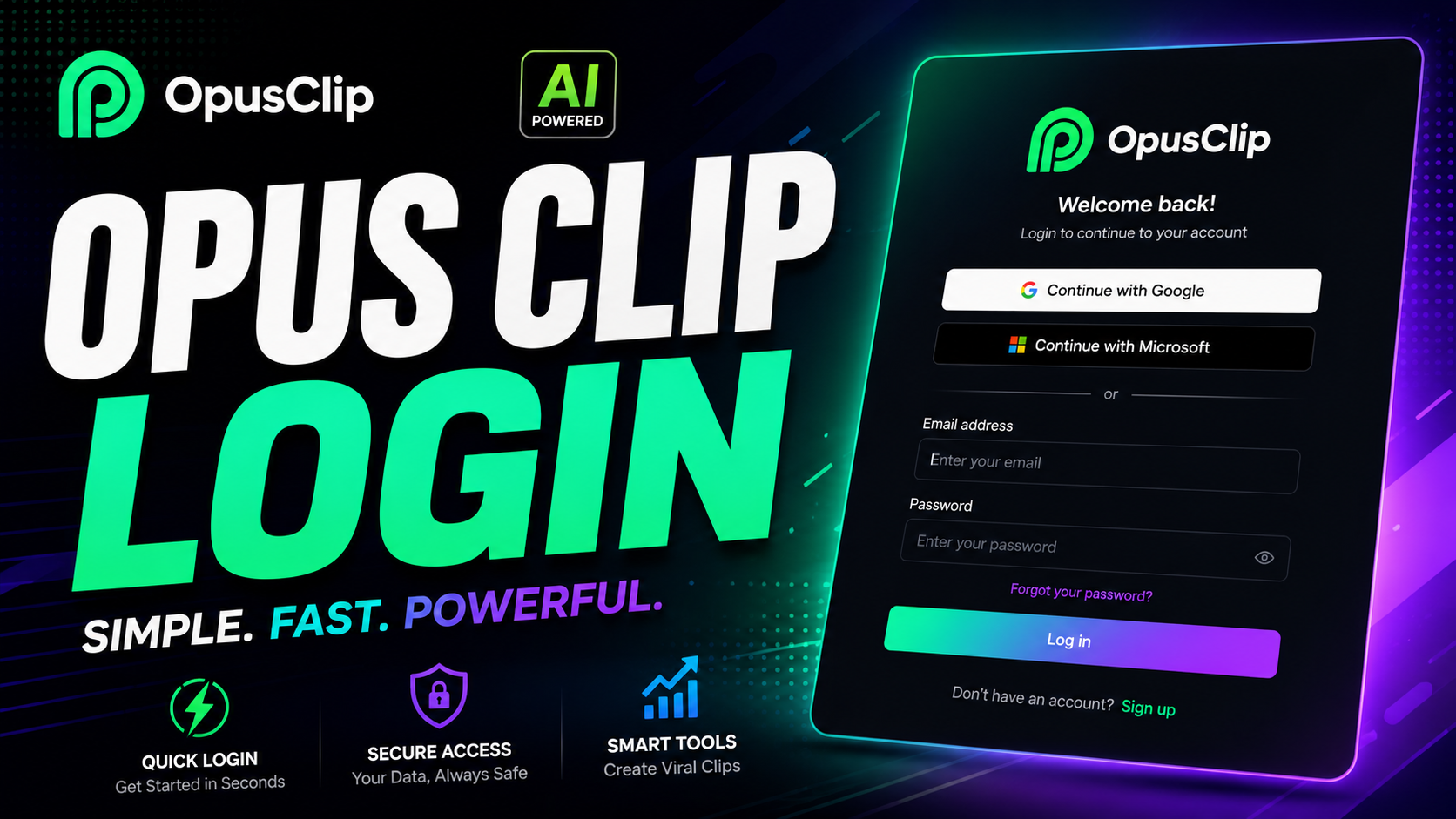

Opus Clip Login (2026 Guide):
If you’re searching for the Opus Clip login page, you’re probably in one of two situations: you’re a returning user who hit a snag signing in, or you’re new and want to make sure you set up your account the right way from the start. Either way, this guide covers exactly how Opus Clip’s login process works in 2026, the most common problems people run into, and how to fix them without losing access to your projects.
Opus Clip is a popular AI-powered tool that turns long-form video into short, social-ready clips, so getting locked out at login is more than a minor annoyance when you’re mid-project. Let’s walk through it step by step.
How to perform Opus Clip Login:
Opus Clip supports a few different sign-in methods, and the one you choose when you first create your account is the one you’ll need to stick with going forward.
Signing In With Google:
This is the fastest option for most users. Click the “Continue with Google” button on the sign-in screen, select your Google account, and you’re taken straight into your dashboard without needing to remember a separate password.
Signing In With Apple:
If you created your account using Apple ID, the process works the same way. Select “Continue with Apple,” confirm your identity, and you’ll land directly in your Opus Clip dashboard.
Signing In With Email:
If you signed up using an email address instead, enter that email on the login screen. Opus Clip will send a one-time verification code to your inbox, which you enter on the login page to complete access. There’s no traditional password to type in for this method.
Common Opus Clip Login Problems and How to Fix Them
“My Login Isn’t Working”
The most frequent cause of login issues is trying to sign in with a different method than the one used to create the account. If you originally signed up with Google but later try logging in with email, Opus Clip may treat it as a separate account, since the two aren’t automatically linked.
Fix: Use the exact same method you originally signed up with. If you’re unsure which one that was, try Google or Apple first, since those are the most common entry points.
Switching From Google Login to Email Login:
If you want to move from a Google-based login to an email-based one, log out of the Google-linked account first, then log back in using the same email address associated with that Google account. You’ll receive a verification code by email to confirm the switch.
Not Receiving the Verification Code:
If the one-time code isn’t arriving, check your spam or promotions folder first. If it’s still missing after a few minutes, request a new code rather than continuing to wait, since codes typically expire after a short window.
Forgotten Account Details:
Since most Opus Clip logins use one-time codes or third-party sign-in rather than static passwords, there usually isn’t a traditional password to “forget.” If you’re locked out entirely, use the account recovery option on the sign-in page, which typically walks you through verifying your email to regain access.
Setting Up a New Opus Clip Account:
If you don’t have an account yet, the sign-up process mirrors the login flow:
Visit the official Opus Clip site and select “Sign up.”
Choose Google, Apple, or email as your sign-up method.
Complete verification (instant for Google/Apple, a one-time code for email).
You’ll typically land in a dashboard with a trial period or limited free processing before you’re prompted to choose a paid plan.Choosing your sign-up method carefully here matters, since it determines how you’ll log in every time afterward.
Stick to Official Login Pages:
Always access your account through Opus Clip’s official website rather than links in emails, ads, or unfamiliar third-party pages. Lookalike domains and cloned login pages are a common tactic used to capture login credentials, so double-check the URL before entering any account details.
Use Google or Apple Sign-In Where Possible:
Because these methods rely on your existing Google or Apple account security (including two-factor authentication you may already have set up), they tend to be more resistant to common phishing attempts than a standalone email-and-password combination.
Don’t Reuse Login Methods Across Similar Tools
If you use multiple AI video tools, keep track of which login method you used for each. Mixing them up is the single most common reason people report being “locked out” when nothing is actually wrong with their account.
Frequently Asked Questions for Opus Clip Login:
Why can’t I log into my Opus Clip account? The most common reason is attempting to log in with a different method (Google, Apple, or email) than the one originally used to create the account. Matching the original sign-in method usually resolves it immediately.
Does Opus Clip use passwords? Not in the traditional sense for most sign-in methods. Google and Apple logins rely on those providers’ existing security, while email login uses a one-time verification code sent to your inbox instead of a static password.
Can I switch from Google login to email login on Opus Clip? Yes. Log out of the Google-linked account, then log back in using the same email address tied to that Google account, and follow the verification code prompt to complete the switch.
What should I do if I never received my login verification code? Check spam and promotions folders first, then request a new code if a few minutes pass with nothing arriving, since codes typically expire quickly.
Is it safe to log into Opus Clip through a link in an email or ad? It’s safer to navigate to Opus Clip’s official site directly rather than clicking links from emails or ads, since cloned login pages are a known method for capturing account credentials.
Final Thoughts:
Most Opus Clip login issues come down to one simple mismatch: using a different sign-in method than the one tied to your original account. Once you identify which method you used, Google, Apple, or email, getting back in usually takes less than a minute.
If you’re still stuck after trying the steps above, reach out to Opus Clip’s support team directly through their official site rather than troubleshooting through third-party guides, so your account details stay secure.
Read more articles:
Pika Labs in 2026:


Leave a Reply