
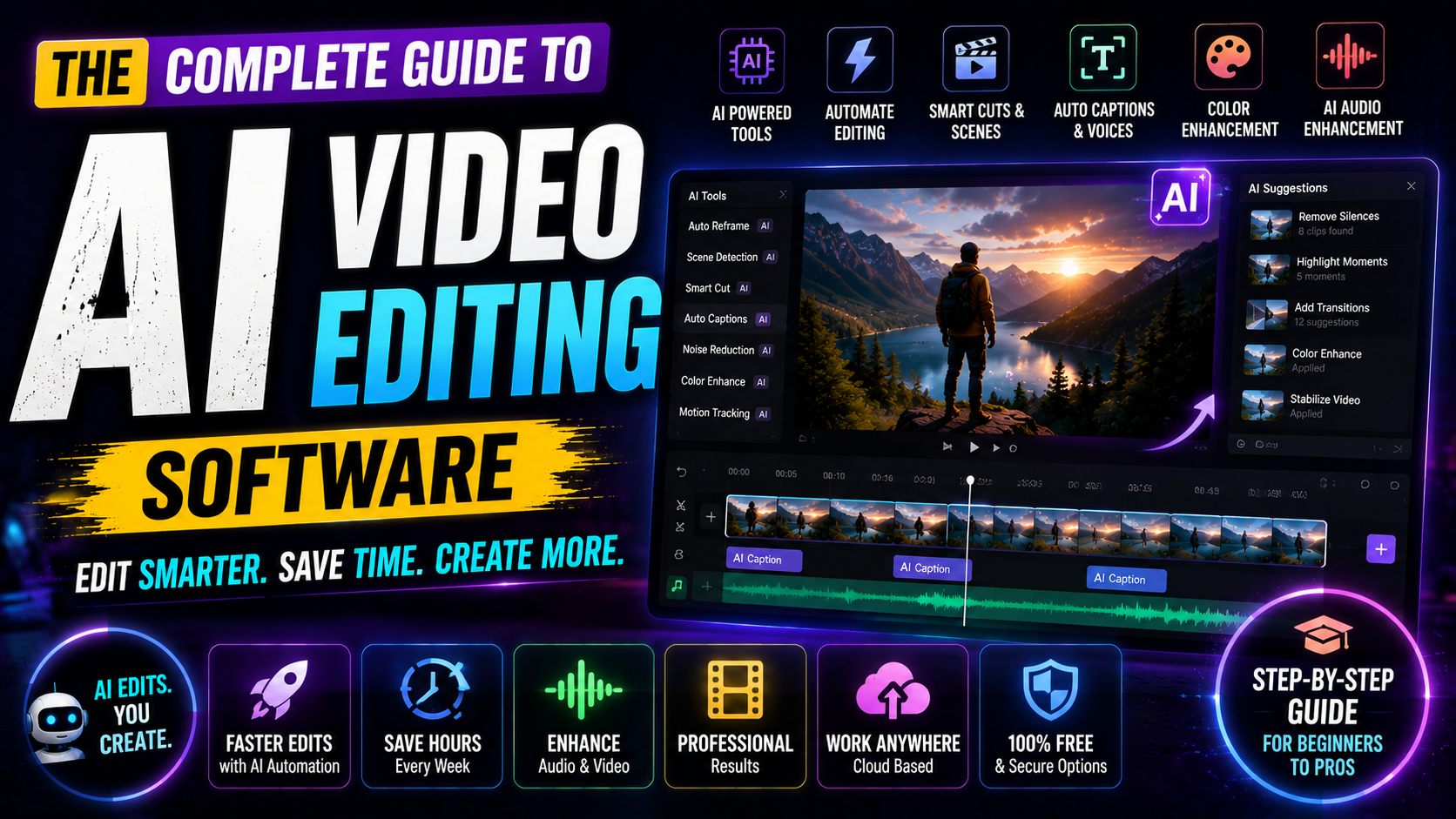

The Complete Guide to AI Video Editing Software in 2026
Ai video editing software:Remember when editing a 10-minute video took an entire weekend? Those days are behind us.
Whether you’re a content creator struggling to keep up with upload schedules, a small business owner trying to maximize your marketing budget, or a marketer who can’t afford expensive editing software, AI video editing software is changing the game. In 2026, these intelligent tools aren’t just nice-to-have extras—they’re becoming essential for anyone serious about video content.
The reality?AI Video Editing Software can now do what used to take hours in minutes. We’re talking automatic subtitle generation, scene detection, color correction, background removal, and even smart transitions—all without you lifting a finger.
Best free video editing software in 2026
The Best AI Video Editing Software Options in 2026
Top Tier: Professional-Grade AI Editors
Runway ML remains the gold standard for creators who want powerful AI features integrated into an intuitive interface. Real-time video generation, frame interpolation, and AI-powered effects make it worth the investment if you’re serious about quality.
Adobe Premiere Pro with AI (Super Resolution, Enhance Speech) offers enterprise-level tools for production teams. If you’re already in the Adobe ecosystem, these features feel natural and seamless.
DaVinci Resolve Studio has become the serious creator’s choice—powerful enough for Hollywood productions, accessible enough for solo creators, and increasingly AI-enhanced with automatic color grading.
Accessible & Affordable Options
Descript is underrated as a video editor. It treats video like a document—edit the transcript, watch the video automatically update. Built-in AI handles subtitle generation, silence removal, and speaker identification beautifully.
Opus Clip specializes in transforming long-form content (podcasts, streams, webinars) into short-form viral clips. AI identifies the best moments and creates multiple variations automatically. Ideal for repurposing content.
Synthesia leads in AI video generation—create videos from text with AI avatars, perfect for explainer videos, training content, and marketing materials without hiring talent or shooting footage.
Budget-Friendly: Free and Freemium Tools
CapCut continues to dominate with free, AI-powered editing that rivals paid competitors. Auto-captions, background removal, and smart effects make it the best free option for TikTok, Instagram Reels, and YouTube Shorts.
Clipchamp (now part of Microsoft) offers surprisingly capable AI features for free. Auto-subtitle, speech-to-text, and one-click edits without watermarks.
Must Explore: Best AI Agents for Video Editing in 2026
How AI Video Editing Tools Transform Your Workflow
Automatic Scene Detection and Organization
Imagine uploading raw footage and having the software automatically identify and separate different scenes. That’s exactly what modern AI video editing software does.
The software analyzes your footage and:
- Identifies scene changes and transitions
- Recognizes face changes, location changes, and subject changes
- Tags footage with metadata automatically
- Separates interviews from B-roll without you marking anything
Real-world impact: What takes a human editor 2 hours takes AI 2 minutes.
Intelligent Subtitle Generation
Gone are the days of manual transcription. AI video editing tools now generate accurate subtitles in multiple languages simultaneously. Advanced systems even detect speaker emotions and adjust subtitle timing for emotional impact.
This matters because:
- 85% of videos are watched without sound (LinkedIn, 2024)
- Subtitles improve SEO and accessibility
- Proper timing keeps viewers engaged
- Multi-language subtitles expand your audience globally
Smart Color Correction and Audio Enhancement
Professional-grade color correction typically requires specialized training. AI video editing software now handles this automatically by:
- Detecting and correcting inconsistent lighting across clips
- Adjusting white balance across entire projects
- Enhancing audio clarity and removing background noise
- Normalizing volume levels between clips
The result? Your footage looks professionally shot and edited, even if it wasn’t.
Automatic Editing Based on Audio Peaks
This is where things get genuinely impressive. AI-powered editors listen to your audio track and automatically create visual cuts that sync with:
- Music beats and drops
- Dialog emphasis
- Podcast episode segments
- Voice inflection changes
Your B-roll literally dances with your audio. It sounds complicated. It’s not.
Flow AI Video Generator Free: The Complete 2026 Guide
How to Choose the Right AI Video Editing Software for You
Ask Yourself These Questions:
1. What’s your primary use case?
- Short-form social media? → Opus Clip or CapCut
- Long-form podcast editing? → Descript
- Professional production? → DaVinci Resolve or Premiere Pro
- AI video generation? → Synthesia or Runway
2. What’s your budget reality?
- Zero budget? → CapCut or Clipchamp
- $10-50/month? → Descript or Opus Clip
- $50+/month? → Runway, Premiere Pro, or DaVinci Studio
3. How technical are you?
- Complete beginner? → Descript or CapCut
- Comfortable learning curves? → DaVinci Resolve or Runway
- Expert editor? → Any option works; focus on features
4. How much volume are you producing?
- Few videos monthly? → Free or freemium works fine
- Daily content? → Invest in a tool that handles batch processing
- Team-based production? → Look for collaboration features
Common Questions About AI Video Editing Software
Q: Will AI replace human video editors?
Not completely. AI handles technical work beautifully—color correction, audio cleanup, subtitle generation. Creative decisions, story pacing, and emotional impact still benefit from human judgment. The best workflow combines AI efficiency with human creativity.
Q: Is AI-edited video obvious?
Modern AI video editing software is invisible when used well. A viewer shouldn’t know whether color correction happened automatically or manually. The difference is in the final result, not the process.
Q: Can I edit 4K and higher resolution video with AI tools?
Yes. Most professional tools (DaVinci Resolve, Premiere Pro, Runway) handle 4K and 8K. Some free tools max out at 1080p. Check specifications before choosing.
Q: How long does AI processing actually take?
Depends on complexity, file size, and your system. Simple projects (subtitles, color) take minutes. Complex AI features might take 15-30 minutes. Cloud-based processing is often faster than local processing.
Q: Do I need special camera equipment for AI editing to work?
Not at all. AI algorithms work on any footage—smartphone video, DSLR, webcam, whatever. In fact, AI often improves lower-quality footage through enhancement features.
Making the Most of Your AI Video Editor
Pro tip #1: Don’t use AI as a complete replacement. Let it handle technical heavy lifting, then add your creative touch.
Pro tip #2: Test the software with your actual footage before committing. What works beautifully with professional-grade video might struggle with your specific equipment or style.
Pro tip #3: Keep learning. These tools update constantly. A feature you dismissed 6 months ago might be game-changing now.
Final Thoughts: Your AI-Powered Editing Future
AI video editing software in 2026 isn’t hype. It’s a genuine productivity shift that’s democratizing professional-quality video creation.
Whether you’re overwhelmed by your editing backlog, struggling to afford professional help, or just tired of repetitive technical work, these tools can transform your workflow overnight.
The best time to start was six months ago. The second-best time is today.
Pick one tool, commit to learning it properly, and watch your production speed multiply. You’ll get your creative time back. Your audience will get better content. Everyone wins.
What’s Your Next Step?
- Identify your primary need — short-form social? Long-form podcasts? Professional production?
- Pick a tool — start free if you’re unsure, upgrade when you’re confident
- Watch our video tutorial — see exactly how to use these tools effectively
- Experiment with one project — try the automated features on real footage
- Share your results — let us know what worked and what didn’t
Leave a Reply