

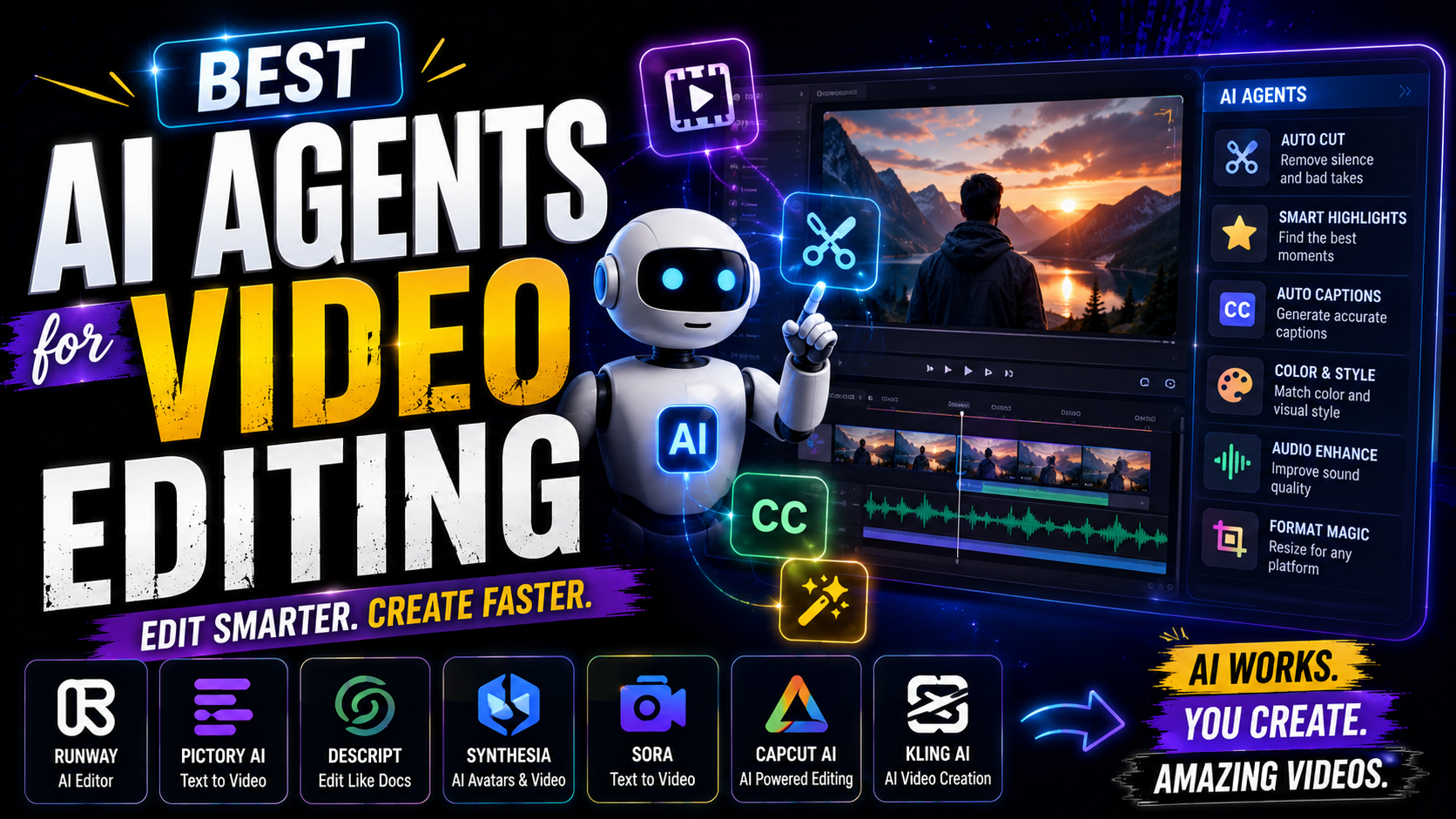

Best AI Agents for Video Editing:
A year ago, “AI video editing” mostly meant auto-captions and a one-click background blur. That’s not what people mean by it anymore. The best AI agents for video editing in 2026 don’t wait for you to scrub a timeline — you describe what you want, and the agent plans the edit, makes the cuts, and hands you something close to finished.
That shift is exciting, but it also means the market is full of tools calling themselves “agents” that are really just a single automated feature with better branding. This guide cuts through that. You’ll learn what actually separates an agent from a regular AI tool, which ones are worth using depending on what you create, and how to pick one without burning a week testing things that don’t fit your workflow.
What Counts as an AI Agent in Video Editing
Not every AI feature deserves the word “agent.” An AI tool does one thing when you ask it to — remove background noise, add a caption style, upscale resolution. An AI agent plans a sequence of steps, makes judgment calls along the way, and delivers a result with very little hand-holding from you.
In practice, the best AI agents for video editing in 2026 tend to share three traits:
- They take one plain-English instruction and break it into sub-tasks themselves — “turn this into five shorts” becomes finding moments, cutting them, captioning them, and exporting formats, without you specifying each step.
- They make actual editorial decisions — which clip is the hook, where the pacing drags, which platform needs which aspect ratio.
- They hand back a usable output, not a list of suggestions for you to act on manually.
If a tool flags a silence and waits for your click, that’s automation. If it removes the silence, reframes the shot, and exports three versions on its own, that’s an agent.
Best AI Agents for Video Editing in 2026
There isn’t one single “best” agent — the right pick depends heavily on what you’re actually producing.
Best for Podcasts and Talking-Head Content
If most of your raw material is long spoken-word footage — interviews, podcasts, webinars — look for an agent built around transcript-based editing. You edit by deleting text from a document, and the video updates to match. The strongest versions of this layer an AI assistant on top that can handle bigger structural moves from a single prompt: building a new scene, pulling a clip, tightening a section, even drafting a script tweak.
Best for Long-to-Short Repurposing
For creators whose workflow is “one long video in, several shorts out,” the agents worth your time specialize in hook detection and batch formatting. Feed them a 30-minute talking-head video, and a good one returns a structured cut list — specific timestamps with reasoning attached, like flagging a pause as dead air — rather than a single locked clip. That structure matters because it means you can nudge one timestamp instead of redoing the whole cut. The best ones also export several aspect ratios in a single pass, so you’re not manually reformatting for every platform.
Best for Multi-Agent Pipelines
A newer and more ambitious pattern splits the work across several specialized agents working together — one hunts for the hook, another handles cut logic, another writes the metadata — passing the project between each other before landing on a final edit. It’s a compelling idea in theory, but it’s also the most fragile setup right now. If the hook-finding agent flags a strong opening line and the cutting agent doesn’t actually build around it, you’re left doing the handoff work yourself. Worth testing, but verify the handoffs before trusting it on anything with a tight deadline.
Best for Teams Managing Production at Scale
Not every useful agent touches the footage directly. Once more than one person is involved before a video goes live, the real bottleneck is usually approvals and handoffs, not the edit itself. Workflow-layer agents that plug into your existing project boards or docs can track revisions, assign owners, and keep a publishing calendar moving, while the actual cutting still happens in whatever editor your team already uses.
Best for Solo Creators Getting Started
If you’re not ready to build a full pipeline, don’t try to adopt five agents at once. Audit where your time actually goes first. If editing eats six hours of your week, start with an editing agent. If thumbnails eat two hours per video, start there instead. Give any new tool roughly 30 days of real use before deciding whether it’s actually saving you time or just adding a new thing to manage.
How to Pick the Right One for Your Workflow
A handful of questions will narrow the field fast:
Does it return timecodes and reasoning, or just impressions? An agent that hands you specific cut points with a stated reason — “cut at 0:21, dead air over 600ms” — is something you can verify and trust on a deadline. One that just says “this section felt slow” is closer to a suggestion than a decision.
Does the export actually work in your editor? Some agents hand off cleanly into Premiere or DaVinci Resolve. Others produce files that land a few frames off, or markers that don’t line up. Test this before committing, especially if you’re already attached to a specific editor.
Is it built for your content type? An agent tuned for fast-cut short-form content won’t necessarily handle a 90-minute interview well, and the reverse is also true.
What does it cost at your real volume? Per-minute or per-export pricing looks cheap in a demo and can climb fast once you’re processing your actual weekly output.
Do you need an editing agent, or a workflow agent, or both? A solo creator usually just needs something that touches the footage. A small team usually needs that plus something to manage the handoffs around it.
Mistakes to Avoid When Adopting These Agents
A few patterns show up consistently with creators and teams moving to agentic editing:
- Adopting too many tools at once. Fix your single biggest time sink first, then expand from there.
- Publishing the output untouched. Even strong agents occasionally misjudge a hook or cut a beat early. A two-minute review still beats fixing it after it’s live.
- Ignoring export quality. A great edit that imports broken into your timeline isn’t actually saving you time — it’s just moving the work somewhere else.
- Skipping the trial period. Thirty days of real use will tell you more than any demo reel.
Frequently Asked Questions
What’s the difference between an AI video editor and an AI editing agent? An AI video editor usually applies one automated feature on request, like auto-captions or color correction. An agent plans and carries out several steps on its own — for example, turning a raw recording into a finished short with cuts, captions, and formatting already applied.
Can AI agents replace a human video editor entirely? For repetitive groundwork — transcription, rough cuts, reformatting for different platforms — largely yes. For creative judgment about tone, pacing, and brand fit, most creators still review the output before publishing rather than shipping it untouched.
Are AI editing agents good for beginners with no editing experience? Yes, often more useful for beginners than for experienced editors, since they remove the need to learn timeline-based software just to produce something watchable.
How much do these agents typically cost? It varies widely — free tiers with limited exports, per-minute pricing, or flat subscriptions for heavier use. What matters more than the advertised starting price is the cost at your actual weekly volume.
Do I need to be technical to set one up? Most creator-facing agents need nothing beyond uploading footage and describing what you want. Team-oriented workflow agents that connect to project boards take a little more setup but generally don’t require any coding.
Final Thoughts
The agents worth your time are the ones that hand you something close to finished, not a checklist of suggestions you still have to execute. Start with whatever part of your workflow costs you the most hours, test a single agent against that one task, and only add more once that first one has actually proven itself. Map your biggest time sink this week, pick one agent to test against it, and see what comes back before you build out anything bigger.
Leave a Reply