

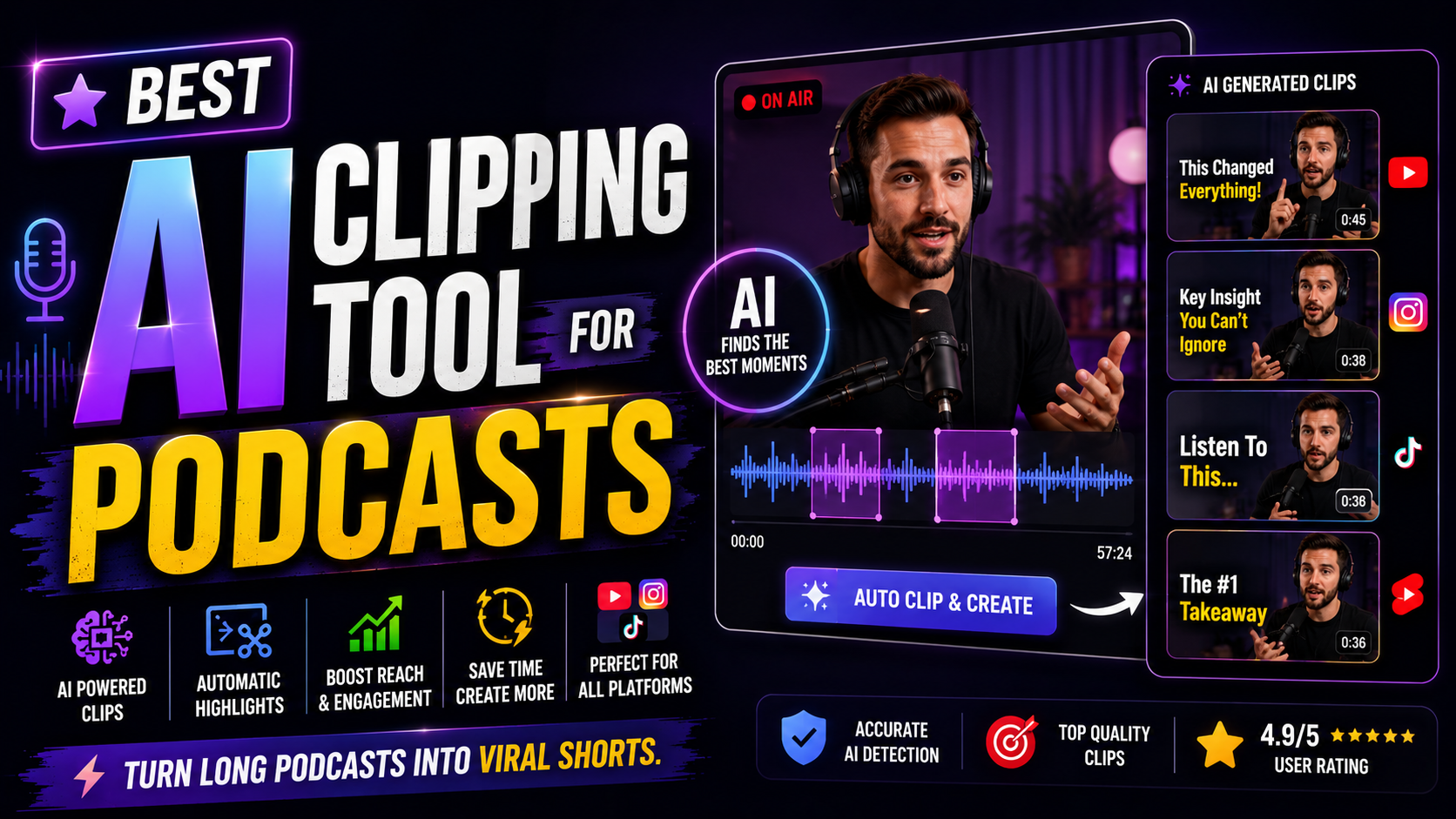

Best AI Clipping Tool for Podcasts: 2026 Buyer’s Guide:
AI clipping tool: If you host a podcast, you already know the real work doesn’t end when you stop recording. It starts the moment you have to turn a 60-minute conversation into something people will actually watch on TikTok, Reels, or Shorts. Scrubbing through an hour of audio looking for the three minutes worth clipping is the kind of task that quietly eats your whole week.
That’s exactly the gap an AI clipping tool for podcasts is built to close. Upload your episode, and the tool finds the moments worth pulling, cuts them, adds captions, and reframes them for vertical platforms — all without you touching a timeline. The catch is that the market is crowded, pricing models vary wildly, and not every “AI clipping” tool actually does the same job underneath the marketing. This guide walks through what these tools actually do, what separates a good one from a mediocre one, and how to pick the right fit for your show without wasting money testing five platforms.
What an AI Clipping Tool for Podcasts Actually Does
At its core, an AI clipping tool takes a long recording and a transcript, analyzes the conversation, and surfaces the segments most likely to work as standalone short-form clips. A solid one handles four things in sequence:
- Highlight detection — scanning the conversation for strong quotes, punchlines, debates, or insight-dense moments, not just loud or high-energy ones
- Reframing — keeping the speaker centered and tracked as the footage shifts from a widescreen recording into a vertical 9:16 format
- Captioning — generating accurate, styled subtitles automatically, often with templates built specifically for talking-head content
- Export and distribution — packaging the finished clip for the platform it’s headed to, sometimes with built-in scheduling so you’re not re-uploading manually
Where these tools really differ is in how well they do the first step. A clipper that just looks for volume spikes or fast talking will hand you fragments that don’t make sense out of context. A stronger one is built around conversation-aware detection — finding complete thoughts, not just loud ones.
Key Features to Look For
Not every clipping tool needs every feature below, but knowing which ones matter for your show will save you from picking the wrong one.
Conversation-Aware Highlight Detection
This is the single biggest differentiator between tools. Some platforms let you set custom criteria — for example, telling the AI to prioritize “key insights” or “disagreements” — rather than relying purely on a generic virality score. If your podcast is interview-based or conversational rather than high-energy, this matters more than almost anything else on the list.
Speaker Tracking and Reframing
Podcasts with multiple speakers need a clipper that can track who’s talking and keep them centered as the frame shifts to vertical. Weak reframing shows up as awkward crops or speakers drifting out of frame mid-sentence — small details that make a clip look amateurish fast.
Caption Styling
Auto-captions are table stakes at this point. What varies is customization: can you adjust fonts, colors, and animation styles to match your brand, and does the tool offer templates built specifically for podcast-style talking-head content rather than generic social video.
Multilingual Support
If your audience spans more than one language, look closely here. Some tools cap out at a handful of languages for captions, while others support dozens, and a smaller subset adds AI dubbing on top — generating a spoken-language version of the clip, not just subtitles. This matters a lot if you’re trying to grow outside an English-speaking audience.
Scheduling and Publishing
Generating a clip is only half the job. Several tools now include built-in scheduling to TikTok, Instagram Reels, and YouTube Shorts, which removes a whole separate step from your weekly routine. If you’re publishing multiple clips a week, this alone can save hours.
API or Automation Access
For podcasters or agencies producing at real volume, some platforms offer API access, letting you build a pipeline that uploads an episode, generates clips, and schedules posts with no manual steps in between. This is overkill for an occasional publisher but a genuine workflow upgrade for anyone clipping weekly or managing multiple shows.
How Pricing Models Actually Work (Read Before You Buy)
This is where a lot of podcasters get caught off guard. Most AI clipping tools price by source-minute, meaning a 60-minute episode can burn through 60 credits in a single upload — and a “cheap” $15/month plan with 150 credits disappears after two or three episodes. A smaller number of tools price per output clip instead, so a long episode only costs you credits for the clips you actually generate, which works out far cheaper for podcasters who only pull a handful of moments from each episode.
Before committing to a plan, do the math against your real volume: how many episodes you publish per month, roughly how many clips you pull from each, and how the tool’s specific credit system applies to that. A platform that looks like the cheapest option on paper can end up costing more once you account for episode length.
Best Use Cases for Different Podcasters
There’s no single “best” tool here — the right pick depends on your format and workflow.
Interview or Q&A-style podcasts tend to do well with tools built around predictable question-and-answer structure, since the AI has clearer signals for where one thought ends and the next begins.
Casual, conversational podcasts need a tool with stronger context-aware detection, since the AI has to identify complete thoughts inside free-flowing dialogue rather than relying on structural cues.
Multi-guest panel podcasts benefit most from strong speaker tracking and face detection, since reframing gets harder with more than two people on screen.
Podcasters who already edit full episodes may be better served by a tool that combines transcript-based editing with clip generation in one platform, rather than juggling a separate clipper and editor.
High-volume podcasters or agencies managing several shows should weight API access and scheduling heavily, since the time saved compounds fast across multiple episodes a week.
Common Mistakes to Avoid
- Picking a tool based on the demo episode alone. Test it against your own footage — production value, talking style, and pacing vary a lot between shows, and a tool that nails a polished demo can struggle with your actual recording conditions.
- Ignoring the credit math. Per-minute pricing can be three to four times more expensive than per-clip pricing at the same real usage, depending on your episode length.
- Skipping the manual review step. Even strong tools occasionally surface a clip that’s technically accurate but contextually awkward. A quick pass before publishing still matters.
- Overbuying features you won’t use. If you publish one clip a week, API access and multi-language dubbing are unnecessary cost. Match the tool to your actual output, not your aspirational output.
AI Clipping Tool FAQ’s
What is the best AI clipping tool for podcasts? There isn’t a single best tool for every show — it depends on your format. Interview-style podcasts often do well with structure-aware clippers, conversational shows benefit from context-aware detection, and high-volume creators should prioritize tools with API access and scheduling built in.
How much does an AI podcast clipping tool cost? Pricing typically ranges from free tiers with heavy limits to $15–$30+ a month for paid plans, but the real cost depends on whether the tool charges per source-minute or per output clip. Always calculate cost against your actual episode length and clip volume before comparing prices.
Can AI really find the best moments in a podcast automatically? Often, yes — modern tools are noticeably better at finding strong quotes and high-retention moments than they were a year or two ago. That said, context, brand tone, and narrative payoff aren’t always obvious to an algorithm, so a quick human review before publishing is still worth doing.
Do I need a separate tool for recording and clipping? Not necessarily. Some recording platforms have added clipping as a built-in feature, which is convenient if you’re not picky about clip customization. Dedicated clipping tools tend to offer deeper control over highlight detection and styling if that’s a priority.
Is there a free AI clipping tool for podcasts? Several platforms offer free tiers, though usually with limits on export quality, watermarks, or monthly clip volume. They’re a reasonable way to test a workflow before committing to a paid plan.
Final Thoughts
The right AI clipping tool for your podcast isn’t the one with the longest feature list — it’s the one that matches how your show actually sounds and how often you plan to publish. Start by testing one or two tools against your own most recent episode rather than a polished demo, run the credit math against your real volume, and only add features like dubbing or API access once you’ve outgrown the basics. Once you’ve got a clipping workflow that runs without eating your whole week, the consistency itself starts paying off in audience growth.
Leave a Reply