

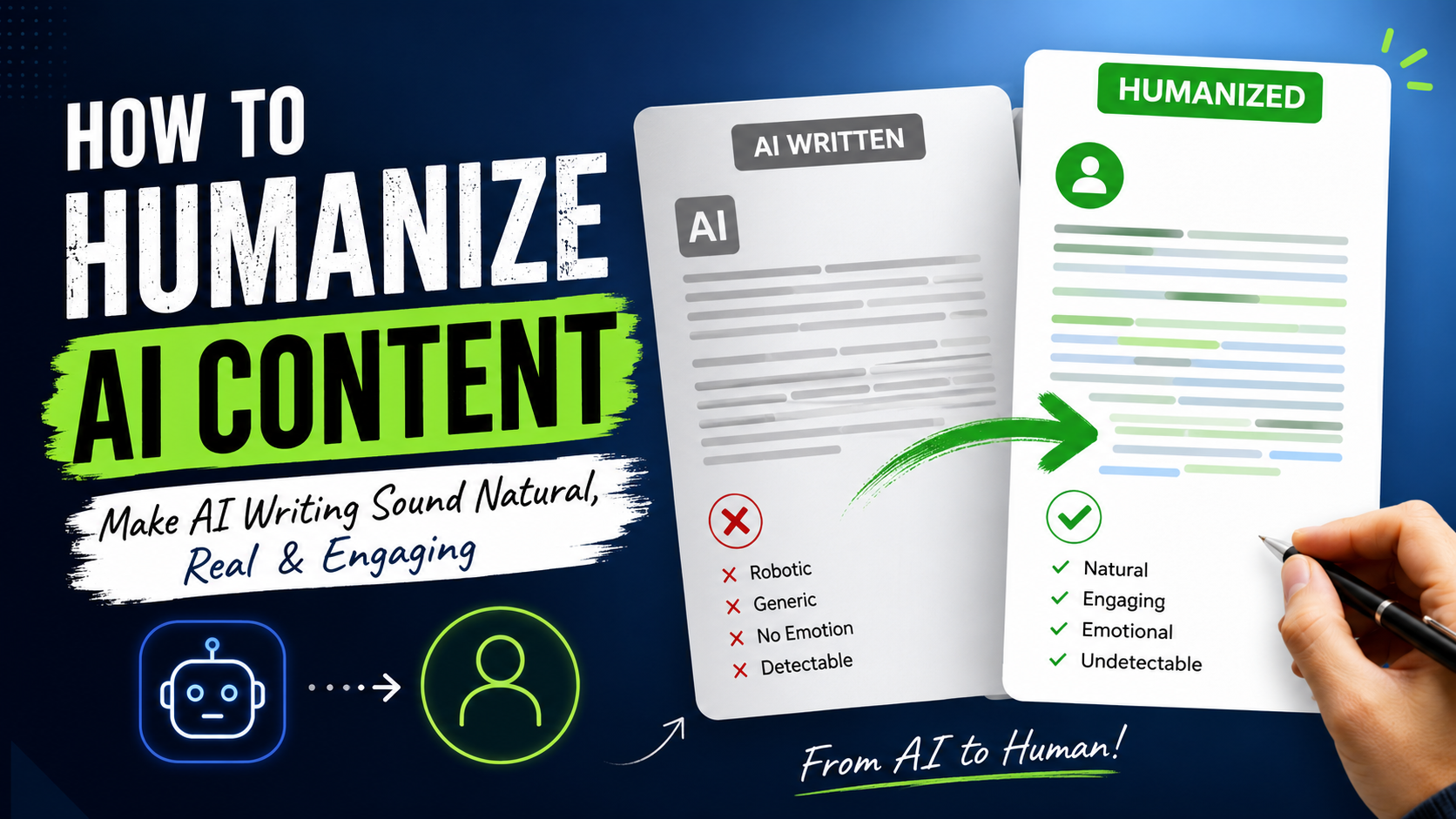

How to Humanize AI Content: A Practical Guide for Writers
How to humanize ai content: If you’ve ever pasted a blog draft into an AI detector and watched the “likely AI-generated” score creep past 80%, you know the frustration. You wrote with an AI tool, sure, but the content still needed your ideas, your research, and your voice. So why does it read like it came off an assembly line?
This guide walks through how to humanize AI content so it sounds like a person wrote it — because, with the right process, a person did. You’ll learn what actually trips up AI detection tools, which editing habits make the biggest difference, and how to build a workflow that produces content readers (and search engines) trust.
Why AI-Generated Text Sounds Robotic in the First Place
Before fixing the problem, it helps to know what causes it. Large language models are trained to predict the most statistically likely next word. That makes for grammatically clean writing, but it also produces some recognizable patterns:
Predictable Sentence Rhythm
AI drafts tend to alternate short and medium sentences in a very even pattern, with few of the run-ons, fragments, or asides that real writers use naturally.
Generic Transitions and Filler Phrases
Words like “moreover,” “in today’s digital landscape,” and “it’s important to note that” show up constantly in raw AI output. Detection tools like Originality.ai, GPTZero, and Turnitin are tuned to flag exactly this kind of phrasing because it’s statistically common in machine-generated text.
Lack of Specific, Lived Detail
AI tools generalize. They don’t have a client story from last Tuesday or a number they personally measured. That absence of concrete specifics is one of the strongest signals detectors and human readers both pick up on.
Start With Better Prompting, Not Just Better Editing
A lot of people only think about humanizing content after the draft is done. You’ll save time by shaping the output earlier.
Give the Model a Real Point of View
Instead of asking for “a blog post about email marketing,” tell the AI tool what you specifically believe, what’s worked for you, or what mistake you keep seeing clients make. Specific input produces less generic output.
Ask for Variation, Not Just Information
Prompt for a mix of sentence lengths, a conversational tone, and the occasional rhetorical question. This won’t fully solve the pattern problem, but it gives you a better starting draft to work from.
Avoid Asking the AI to “Make It Undetectable”
Prompting an AI to specifically evade detection tools tends to produce stilted, over-engineered text — odd synonym swaps, broken logic, awkward phrasing — because the model is now optimizing for a side goal instead of clarity. The better approach is writing content that’s genuinely good, not content that’s engineered to fool a checker.
Editing Techniques That Make the Biggest Difference
This is where most of the real transformation happens. Editing is what turns an AI draft into something that’s actually yours.
Add Specific Numbers, Names, and Examples
Swap “many businesses struggle with this” for “63% of small e-commerce stores we surveyed last quarter struggle with this.” Specificity is the single fastest way to make content feel human-authored.
Break Up Repetitive Sentence Structures
Read your draft aloud. If every sentence is roughly the same length and starts with a subject, vary it. Combine two short sentences. Split a long one. Start a sentence with “But” or “And” occasionally, the way people actually talk.
Cut the Hedging Language
AI drafts hedge constantly: “it could be argued,” “in many cases,” “generally speaking.” Real experts state things directly. Say what you actually think.
Insert Genuine Opinions and Experience
This is also where E-E-A-T (Experience, Expertise, Authoritativeness, Trustworthiness) comes in. Google’s guidance rewards content that demonstrates real, first-hand knowledge — not just accurate information. A sentence like “When I tested this on three client accounts, two saw open rates jump within a week” does double duty: it reads as human and it signals genuine experience to search engines.
Tools That Help Humanize AI Content
A few tools can support this process, though none should replace actual editing:
- Grammarly or Hemingway Editor — useful for catching robotic, overly formal phrasing and flagging sentence-length monotony.
- Originality.ai, GPTZero, and Copyleaks — useful for checking where your content currently stands, so you know which sections need the most editing attention.
- Your own voice notes or transcripts — dictating a few sentences in your natural speaking style and weaving that phrasing into the draft is one of the most underrated humanizing techniques available.
Treat detector scores as a diagnostic, not a finish line. A piece can score “human” and still be bland, and a piece with a slightly elevated score can still be genuinely useful and well-written.
Building a Repeatable Workflow
For content marketers producing AI-assisted posts regularly, consistency matters more than any single trick.
- Draft with AI, using a detailed, opinionated prompt.
- Read it once for accuracy, fixing anything factually off.
- Read it again for voice — cut hedging, vary sentence length, add specifics.
- Insert at least one real example, stat, or personal observation per section.
- Run it through a detector once, not to chase a perfect score, but to spot remaining patterns.
- Have a second person skim it. A fresh set of eyes catches robotic phrasing you’ve gone numb to.
Should You Disclose AI Assistance?
This comes up often, and the honest answer is: it depends on your platform and audience, but transparency tends to build more trust than it costs. Many publications and brands now include a short note when AI tools were used in drafting. It doesn’t hurt your SEO, and it protects your credibility if a reader or competitor ever questions authorship.
Frequently Asked Questions
Does humanizing AI content actually improve SEO rankings? Indirectly, yes. Search engines don’t penalize AI-assisted content by default, but they do reward content that’s helpful, specific, and demonstrates real expertise — which is exactly what humanizing edits add.
Can AI detectors be fully trusted? No. Tools like GPTZero and Originality.ai are useful directional signals, not definitive proof. They produce false positives on human writing and false negatives on heavily edited AI drafts.
How much editing time should I budget per AI-assisted article? For a typical 1,000-word post, plan for at least 20–30 minutes of substantive editing beyond proofreading — adding examples, varying structure, and injecting voice.
Is it dishonest to use AI and then humanize the output? Not inherently. Using AI as a drafting tool, then adding your own expertise, judgment, and editing, is similar to using any other writing aid. The concern arises when AI assistance is hidden specifically to deceive readers about expertise the writer doesn’t actually have.
What’s the single highest-impact change I can make? Adding specific, real details — numbers, names, examples, personal observations. It’s the one thing AI genuinely can’t generate on its own, and it’s what both readers and detectors respond to most.
Final Thoughts
Humanizing AI content isn’t about tricking a detector. It’s about making sure the parts of writing that actually require a human — judgment, experience, a real point of view — are still there once the AI’s first draft is done. Build that into your workflow, and the detection scores tend to take care of themselves.
Ready to put this into practice? Pick your most recent AI-assisted draft, run it through the edit checklist above, and see how much it improves before you hit publish.


Leave a Reply