

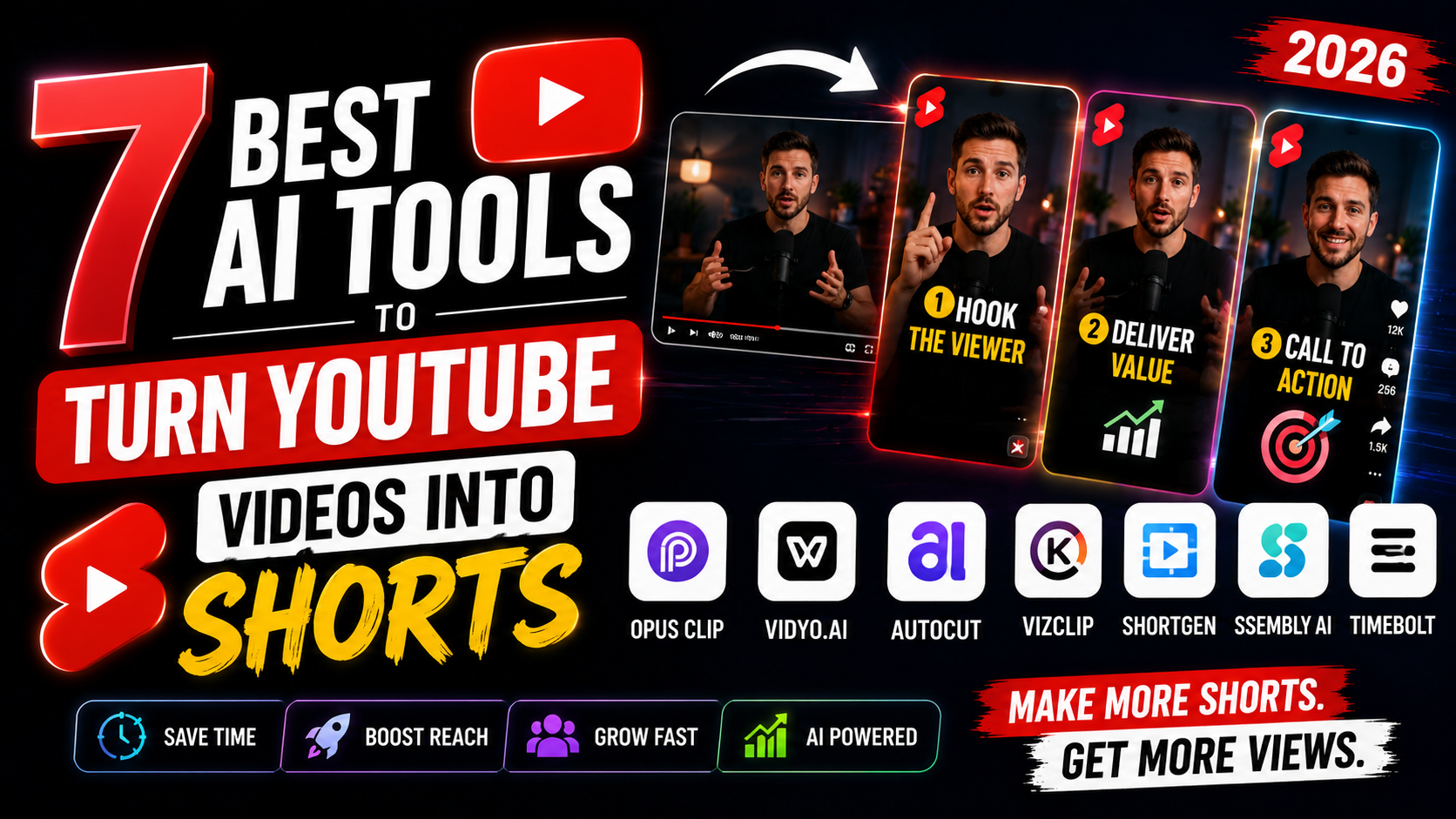

7 Best AI Tools to Turn YouTube Videos Into Shorts:
If you’ve ever sat through hours of manual editing just to cut one long YouTube video into a handful of Shorts, you already know the pain. Finding the right moment, cropping it to vertical, adding captions, exporting — it adds up fast. The good news is you don’t have to do any of that by hand anymore.
AI tools to turn YouTube videos into shorts have completely changed the game for creators, marketers, and small business owners who want more reach without more hours in the editing chair. In this guide, you’ll learn which tools actually work, how they differ, and which one fits your workflow best.
Why Turning Long Videos Into Shorts Matters:
Short-form content isn’t a trend anymore — it’s how most people discover new creators. A 20-minute YouTube video might get a few hundred views, but the right 30-second clip pulled from that same video can reach thousands of new viewers on Shorts, Reels, and TikTok.
The problem is time. Manually scrubbing through footage to find quotable moments, funny reactions, or key insights takes hours per video. That’s exactly the gap AI tools are built to close — they watch the video for you, find the highlights, and format them automatically.
How AI Tools Turn YouTube Videos Into Shorts:
Most AI shorts makers follow a similar process, even though the interfaces look different:
Automatic Highlight Detection:
The AI scans your video’s transcript and audio energy to flag moments likely to perform well — punchlines, strong statements, emotional peaks, or key takeaways.
Auto-Reframing for Vertical Format:
Since Shorts and Reels need a 9:16 ratio, the tool automatically tracks faces or speakers and recenters the frame so nothing important gets cropped out.
Caption Generation:
Captions are auto-generated and styled, since most viewers watch with the sound off.
Export and Scheduling:
Many tools let you export multiple clips at once and even schedule them directly to your social accounts.
Best AI Tools to Turn YouTube Videos Into Shorts
1. Opus Clip
One of the most popular choices for creators. It analyzes long videos, scores clips by viral potential, and adds captions and reframing automatically. Great for podcasters and YouTubers who post long-form interviews.
2. Vidyo.ai
Strong at pulling multiple short clips from a single video while keeping branding consistent. It also supports direct publishing to platforms, which saves an extra step.
3. Munch
Built more for marketing teams. Munch focuses on repurposing webinars, podcasts, and YouTube content into platform-specific short videos with analytics tracking.
4. Pictory
A solid pick if you also want to turn blog posts or scripts into short videos, not just existing footage. It’s flexible for creators who repurpose content across formats.
5. Klap
Known for fast turnaround and clean auto-captioning. Klap is popular among smaller creators who want a simple drag-and-drop experience without a steep learning curve.
6. CapCut’s AI Tools
CapCut now includes AI-based clipping features alongside its already powerful mobile editor, making it a good free-to-start option.
7. Descript
Originally a transcription tool, Descript now offers strong clipping features since editing video is as easy as editing a text document.
How to Choose the Right Tool for Your Needs
There’s no single “best” option — it depends on your workflow:
- If you post daily: Choose a tool with batch processing, like Opus Clip or Vidyo.ai.
- If you’re on a budget: Start with CapCut, since it’s free and beginner-friendly.
- If you run a team or agency: Munch’s analytics and scheduling features will save more time long-term.
- If you also write scripts: Pictory’s text-to-video flexibility is worth the switch.
A good rule of thumb: test the free trial on one of your existing long videos before committing to a paid plan. Most tools let you generate at least a few clips for free.
Common Mistakes to Avoid When Repurposing Videos
- Relying 100% on AI selection — always review suggested clips; the AI sometimes misses context.
- Ignoring captions styling — generic captions blend in; customize fonts and colors to match your brand.
- Posting without a hook — even a great AI-selected clip needs a strong first 3 seconds, so trim accordingly.
- Skipping manual trimming — AI gets you 80% there; a quick manual pass improves retention significantly.
Frequently Asked Questions
Q: What is the best free AI tool to turn YouTube videos into shorts?
CapCut is currently the strongest free option, offering AI-based clipping along with manual editing tools.
Q: Can these AI tools generate shorts directly from a YouTube link?
Yes, most tools — including Opus Clip and Vidyo.ai — let you paste a YouTube URL directly instead of uploading a file.
Q: Do AI-generated shorts need editing afterward?
Usually a little. AI handles cropping, captions, and clip selection well, but a quick manual review improves quality and accuracy.
Q: How many shorts can I get from one long video?
It depends on length and content density, but a 20–30 minute video typically yields 5–10 usable short clips.
Q: Are AI-generated captions accurate?
They’re generally 90%+ accurate, but it’s worth a quick proofread, especially for names or technical terms.
Final Thoughts
Turning long YouTube videos into Shorts used to mean hours of manual cutting and reformatting. Now, AI tools to turn YouTube videos into shorts handle most of that heavy lifting — highlight detection, reframing, captions, and even scheduling — so you can focus on creating instead of editing.
Pick one tool from this list, test it on a video you’ve already published, and see how much time you save. If you found this helpful, share it with a fellow creator who’s still editing Shorts the hard way.
Leave a Reply