

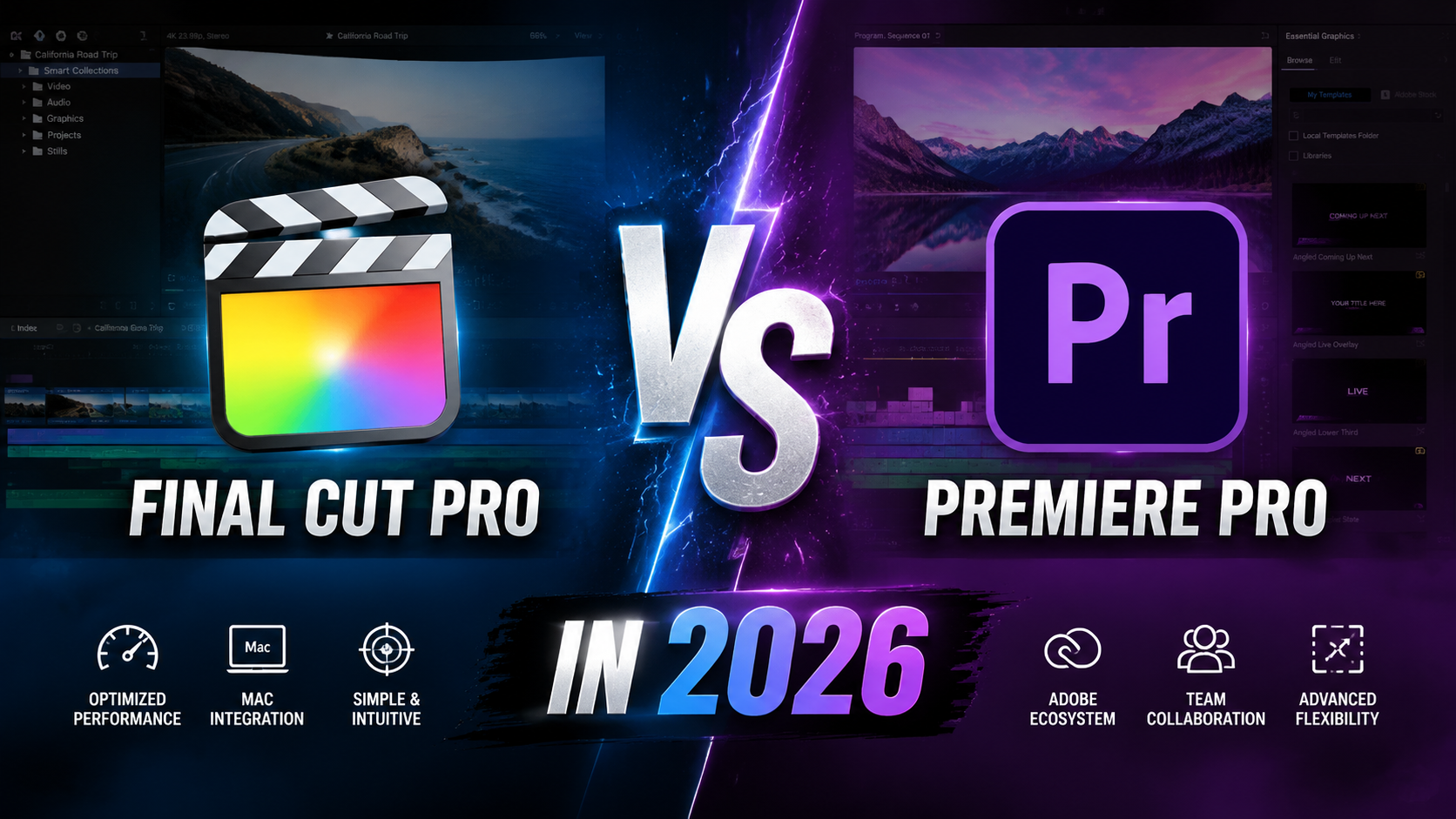

Final Cut Pro vs Premiere Pro in 2026:
If you’ve spent any time researching video editing software, you’ve probably hit the same wall: everyone has an opinion, but almost nobody explains why it matters for your specific situation. The Final Cut Pro vs Premiere Pro debate isn’t really about which app is “better” in some abstract sense — it’s about which one fits your computer, your budget, and the way you actually work.
This guide breaks down the real differences between the two — pricing, performance, learning curve, and workflow — so you can make a decision based on facts instead of forum arguments.
Final Cut Pro vs Premiere Pro: The Quick Answer:
If you need the short version: Final Cut Pro is faster on Mac hardware, cheaper long-term, and better suited to solo editors who value speed. Premiere Pro is cross-platform, integrates deeply with other Adobe apps, and remains the stronger choice for teams and collaborative studio work. Your decision usually comes down to your operating system and how you collaborate, not which software is objectively superior.
Pricing: One-Time Purchase vs Subscription:
This is often the deciding factor before anyone even opens either app.
Final Cut Pro Pricing:
Final Cut Pro uses a one-time purchase model. You pay once and own the license, with free updates for that version going forward. For editors who dislike ongoing subscription costs, this is a major draw.
Premiere Pro Pricing:
Premiere Pro runs on Adobe’s Creative Cloud subscription. You can subscribe to Premiere Pro alone or bundle it with the full Creative Cloud suite, which makes sense if you also use Photoshop, After Effects, or Illustrator regularly. Over several years, subscription costs typically add up to more than Final Cut’s one-time fee — but you’re also getting continuous updates and access to Adobe’s broader ecosystem.
Platform Compatibility: Mac-Only vs Cross-Platform:
This is the single biggest practical difference between the two.
- Final Cut Pro runs exclusively on macOS. If you’re on Windows, it’s simply not an option.
- Premiere Pro runs on both Windows and Mac, which makes it the default choice for mixed-OS teams or freelancers who move between machines.
If your studio has a mix of Mac and PC workstations, Premiere Pro removes a compatibility headache that Final Cut Pro can’t solve.
Performance and Speed on Modern Hardware:
Editors switching from Premiere Pro to Final Cut Pro often notice faster render and export times, particularly on Apple Silicon Macs. Final Cut Pro is built specifically for Apple’s hardware, which lets it take fuller advantage of the chip architecture.
Premiere Pro has closed much of that gap with GPU-accelerated rendering and better Apple Silicon optimization in recent updates, but many editors still report Final Cut Pro feeling snappier for tasks like scrubbing 4K footage or exporting long-form content.
Real-World Example:
A typical 10-minute 4K project with color grading and multiple audio tracks might export noticeably faster in Final Cut Pro on an M-series Mac compared to the same project in Premiere Pro — though the gap narrows significantly on higher-end machines with more RAM and GPU power.
Learning Curve and Editing Workflow:
Final Cut Pro’s Magnetic Timeline:
Final Cut Pro uses a “magnetic timeline” that automatically avoids gaps and collisions between clips. New editors often find this faster to pick up because the software handles a lot of the spacing logic automatically.
Premiere Pro’s Track-Based Timeline:
Premiere Pro uses a traditional track-based timeline, similar to older editing software. It offers more manual control, which professional editors often prefer, but it can feel more complex for beginners managing overlapping clips and tracks.
If you’re coming from another Adobe product like After Effects, Premiere Pro’s interface will feel immediately familiar, which shortens the learning curve considerably.
Collaboration and Team Workflows:
For solo creators, this may not matter much. For studios and teams, it’s often decisive.
Premiere Pro integrates with Adobe’s Team Projects and Frame.io, making it easier for multiple editors to work on the same project, leave timestamped feedback, and manage version control remotely. Final Cut Pro’s collaboration tools have improved but still lag behind Premiere Pro’s ecosystem for larger, multi-editor productions.
Which One Should You Choose?
Here’s a simple way to decide:
- Choose Final Cut Pro if: you’re on Mac, editing solo or in a small team, want to avoid subscription fees, and prioritize export speed.
- Choose Premiere Pro if: you work across Windows and Mac, collaborate with a team, or already rely on other Adobe Creative Cloud apps.
Neither app is a wrong choice — they’re built for different workflows, and the “best” one is simply the one that matches yours.
Must Read: Premiere Pro vs DaVinci Resolve in 2026
Frequently Asked Questions
Is Final Cut Pro better than Premiere Pro? Neither is universally better. Final Cut Pro tends to be faster on Mac hardware and cheaper long-term, while Premiere Pro offers cross-platform support and stronger team collaboration tools.
Can Final Cut Pro projects be opened in Premiere Pro? Not directly. You’ll need to use an XML or EDL export, and even then some effects, transitions, and color grades may not transfer perfectly between the two applications.
Is Premiere Pro worth the subscription cost? It depends on your workflow. If you use multiple Adobe apps regularly or need cross-platform compatibility and team collaboration features, the subscription often pays for itself. Solo Mac editors on a budget may prefer Final Cut Pro’s one-time cost.
Which is easier to learn for beginners? Final Cut Pro’s magnetic timeline is generally considered more beginner-friendly, since it handles clip spacing automatically. Premiere Pro has a steeper learning curve but offers more granular manual control once you’re comfortable.
Do professional studios use Final Cut Pro or Premiere Pro? Both are used professionally. Premiere Pro tends to be more common in larger studios and agencies due to team collaboration features, while Final Cut Pro is popular among independent editors and Mac-based production houses.
Final Verdict:
There’s no universal winner in the Final Cut Pro vs Premiere Pro debate — only the right tool for your setup. If you’re Mac-based and editing solo, Final Cut Pro’s speed and one-time cost are hard to beat. If you’re collaborating across platforms or already living in the Adobe ecosystem, Premiere Pro is the more practical long-term investment.
Still not sure which one fits your workflow? Try the free trial of both, edit the same short project in each, and see which timeline feels more natural to you — that hands-on test will tell you more than any comparison article ever could.
Leave a Reply