

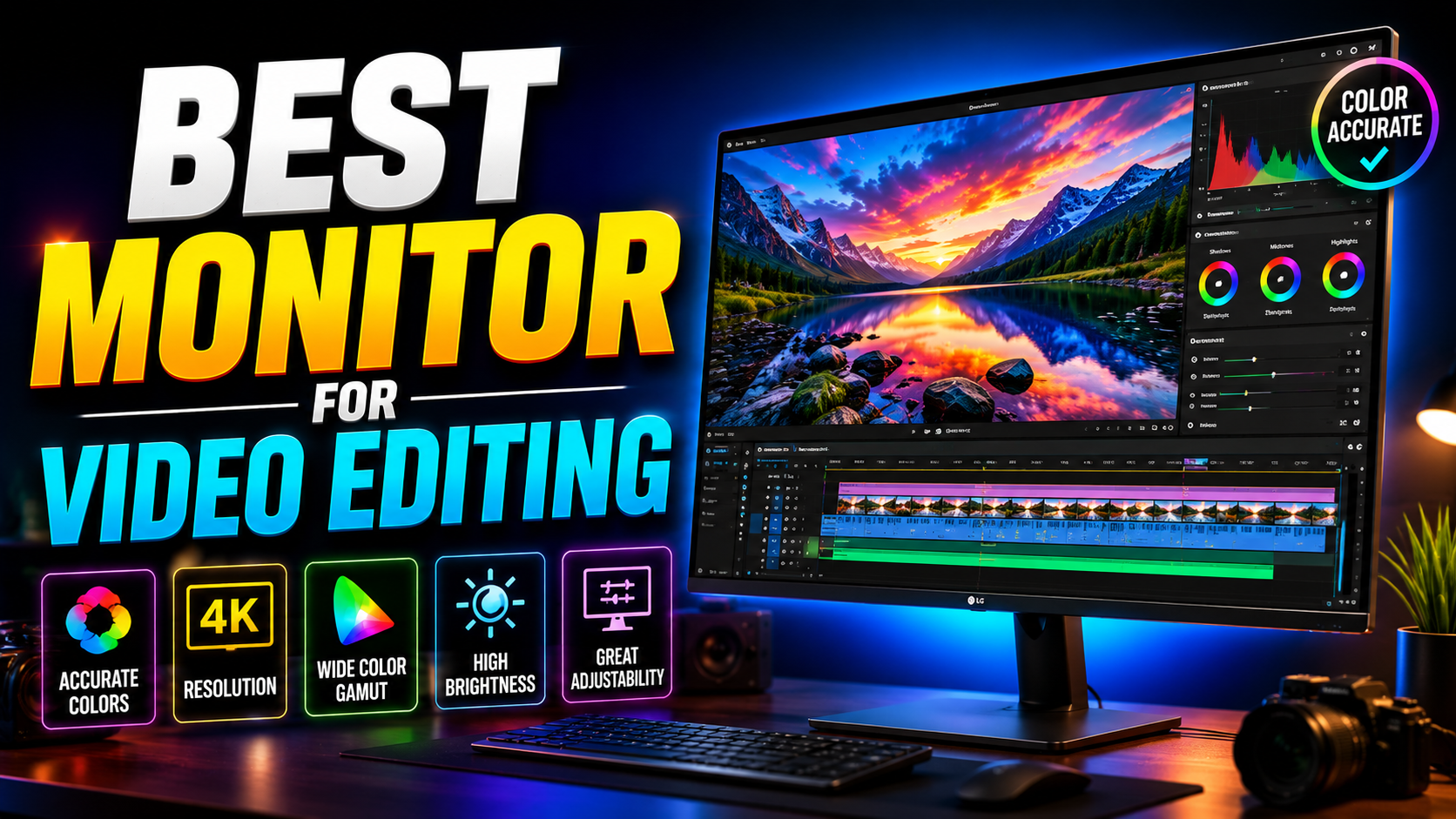

Best Monitor for Video Editing in 2026:
Best monitor for video editing: Here’s a frustrating truth a lot of editors learn the hard way: you can shoot beautiful footage, edit it carefully, and still deliver work that looks wrong — because your monitor was lying to you the entire time. Colors that looked accurate on your screen show up washed out on a client’s TV, or a grade that looked subtle on your display looks crushed everywhere else.
The best monitor for video editing isn’t about chasing the highest resolution or the biggest screen. It’s about color accuracy, consistent calibration, and a panel that shows you what your footage actually looks like. This guide breaks down exactly what to look for and which monitors are worth your money in 2026.
What Makes a Monitor Good for Video Editing: The Quick Answer
For most editors in 2026, the ideal monitor is a 27-inch 4K IPS or IPS Black panel with at least 95% DCI-P3 coverage, factory color calibration under Delta E 2, and 400+ nits of brightness. If you’re grading HDR content specifically, look for 1,000+ nits with local dimming. Resolution and size matter less than color accuracy — a smaller, well-calibrated screen will always beat a large, inaccurate one for professional editing work.
Why Color Accuracy Matters More Than Anything Else
This is the single most important factor, and it’s the one beginners tend to skip.
Understanding DCI-P3 and Color Gamut
DCI-P3 has become the standard color space for video editing because it’s the gamut behind major streaming platforms and modern camera capture, including the Display P3 space used by iPhone footage. A monitor that only covers standard sRGB will show you a narrower range of colors than your footage actually contains, which means you could be grading blind to details that show up on properly calibrated screens.
What Delta E Actually Means
Delta E measures how far a monitor’s displayed color strays from the true reference color — lower is better. A factory-calibrated monitor with a Delta E under 2 is considered accurate enough for professional color work. Anything much higher than that, and you risk making grading decisions based on colors that aren’t actually correct.
Best Resolution for a Video Editing Monitor
Why 4K Is the Practical Standard in 2026
4K has become the sensible baseline for most editors, largely because most professional work now involves footage recorded well above 1080p. On a 27-inch screen, 4K resolution keeps timeline thumbnails, waveform overlays, and frame-accurate scrubbing sharp, without running into the display scaling issues that smaller high-resolution panels can introduce.
When 1440p Is Still Fine
If you exclusively deliver 1080p content for web or social platforms, a well-calibrated 1440p monitor is still a perfectly reasonable choice, and it frees up budget to spend on color accuracy instead of raw pixel count.
Panel Type: IPS, IPS Black, Mini-LED, and OLED
Not all panel technology performs the same for editing work.
Standard IPS
Standard IPS panels remain the most common choice for editing monitors, offering wide viewing angles and solid color consistency at a reasonable price.
IPS Black
IPS Black panels are a meaningful upgrade, roughly doubling the contrast ratio of standard IPS while keeping the same wide viewing angles and color uniformity editors rely on. This makes shadow detail and dark scenes noticeably easier to judge accurately.
Mini-LED and OLED
For editors working in HDR or high-end color grading, Mini-LED and OLED panels offer far deeper contrast and more precise local dimming, which matters when you need to judge true blacks and highlight detail. These panels come at a higher price point but are increasingly common in the premium creator monitor category.
Best Monitors for Video Editing by Budget
Best Budget Option
A well-reviewed 27-inch 4K IPS monitor with strong factory calibration and close to full DCI-P3 coverage can be found for around $500–600 in 2026. This price tier has matured significantly — you no longer need to spend four figures to get genuinely usable color accuracy for professional delivery.
Best Mid-Range Option
Stepping up to an IPS Black panel in the same 27-inch 4K class adds significantly better contrast for a modest price increase, which is a worthwhile trade-off for editors doing regular color grading work.
Best Premium Option
At the high end, monitors built specifically for color-critical work add features like hardware calibration pucks for quickly switching between color spaces, Thunderbolt connectivity with daisy-chain support, and Pantone or CalMAN-validated factory calibration. These are aimed at working colorists and motion designers who need client-facing accuracy and can justify the added cost.
Frequently Asked Questions
What resolution monitor is best for video editing? 4K is the practical standard for most editors in 2026, especially on a 27-inch screen where it keeps timeline details and scrubbing sharp. 1440p is still acceptable if you exclusively deliver 1080p content.
Do I need a 100% DCI-P3 monitor for video editing? You don’t need 100%, but aim for at least 95% DCI-P3 coverage with a Delta E under 2. That combination gives you accurate enough color to trust your grading decisions for professional delivery.
Is OLED good for video editing? Yes, OLED offers excellent contrast and true blacks, which is valuable for HDR grading and dark scene detail. It’s a strong premium option, though IPS Black panels remain a more budget-friendly way to get improved contrast.
What’s the difference between a video editing monitor and a regular monitor? A video editing monitor prioritizes color accuracy, factory calibration, and wide gamut coverage (like DCI-P3) over features like high refresh rates, which matter more for gaming than for editing work.
How much should I spend on a monitor for video editing? A genuinely capable 27-inch 4K monitor with strong color accuracy is available for around $500–600 in 2026. Professional colorists working on client-facing projects may want to invest in a premium calibrated monitor above $1,000 for added precision and hardware calibration tools.
Final Thoughts
Choosing the best monitor for video editing comes down to prioritizing color accuracy over flashy specs. A 27-inch 4K IPS or IPS Black panel with strong DCI-P3 coverage and factory calibration will serve most editors well, and you don’t need to spend a fortune to get there in 2026. Save the premium calibrated displays for when client-facing color accuracy is directly tied to your income.
Ready to upgrade your editing setup? Check your current monitor’s color gamut coverage and Delta E rating before you buy anything new — if it’s falling short on either, that’s the upgrade that will actually improve your work.
Must read: 14 Best Free Video Editing Software for Windows PC in 2026
Must watch all the video editing tutorials: Video Editing Tutorials
Leave a Reply