

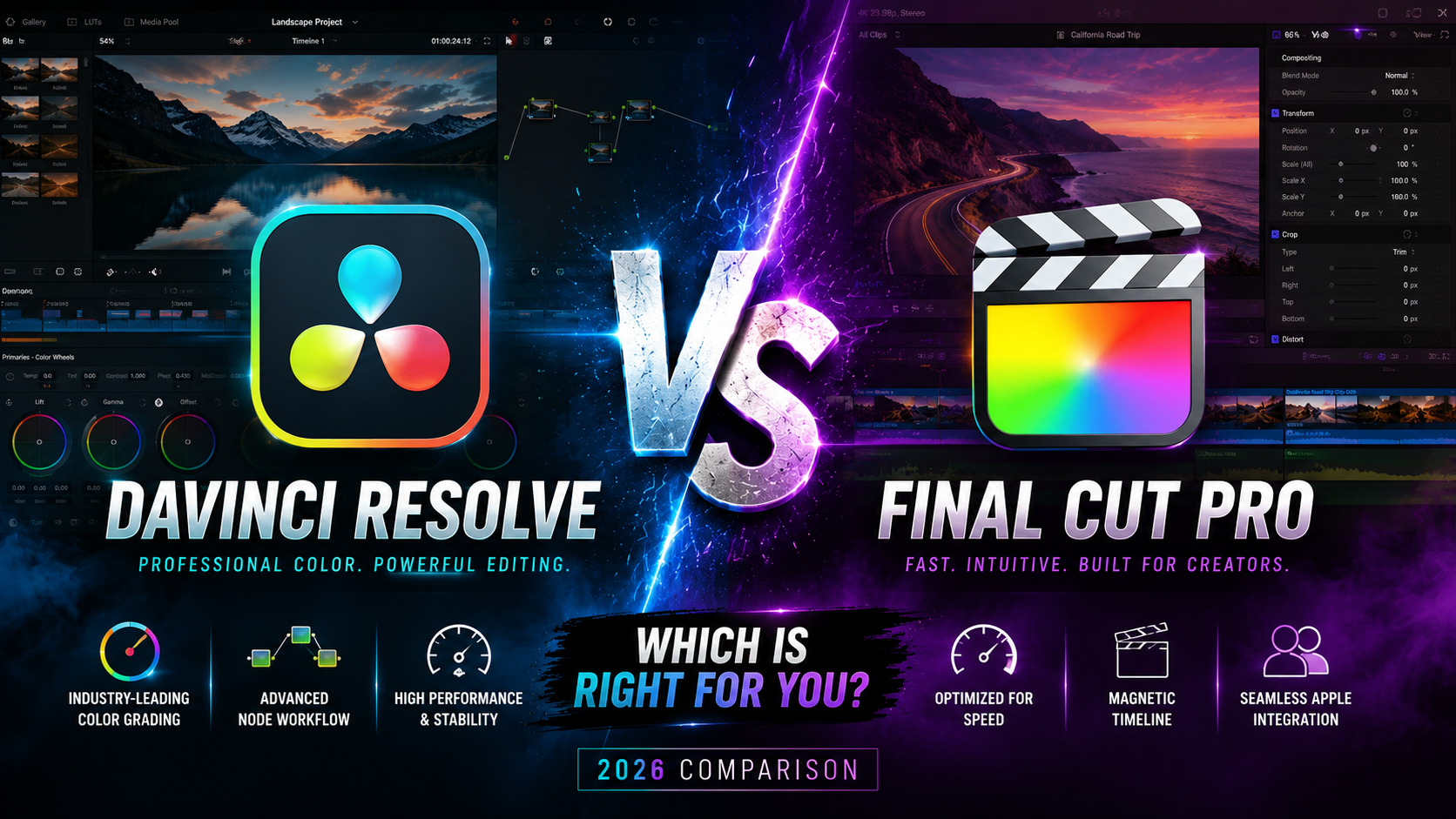

DaVinci Resolve vs Final Cut Pro in 2026:
Choosing between DaVinci Resolve and Final Cut Pro usually comes down to one uncomfortable question: do you want the free tool with the steeper learning curve, or the paid tool that feels easier out of the box? Both are used on real professional productions, and both have loyal fanbases who’ll defend their choice fiercely.
This guide skips the fanboy arguments and breaks down what actually matters — pricing, color grading power, editing speed, and who each tool is really built for — so you can pick the one that fits your workflow instead of someone else’s.
DaVinci Resolve vs Final Cut Pro: Quick Comparison:
If you only read one section, here it is: DaVinci Resolve is free (with a paid Studio version for advanced features), offers the most powerful color grading tools in the industry, and runs on Windows, Mac, and Linux. Final Cut Pro is Mac-only, costs a one-time fee, and is generally faster to learn with a more streamlined editing workflow. Colorists and cross-platform teams tend to lean toward Resolve; solo Mac-based editors often prefer Final Cut Pro.
Pricing: Free Software vs One-Time Purchase:
DaVinci Resolve’s Pricing Structure
DaVinci Resolve’s free version is genuinely capable — it includes editing, color correction, audio tools, and basic visual effects with no watermark. The paid Studio version adds features like advanced noise reduction, additional collaboration tools, and support for higher frame rates, available as a one-time purchase.
Final Cut Pro’s Pricing Structure
Final Cut Pro is a one-time purchase with free updates for that version. There’s no free tier, but there’s also no recurring subscription fee, which appeals to editors who want to avoid ongoing software costs entirely.
For anyone on a tight budget, DaVinci Resolve’s free version is hard to beat — it’s one of the only professional-grade editors you can use without paying anything upfront.
Color Grading: Where DaVinci Resolve Pulls Ahead:
This is the category DaVinci Resolve was originally built for, and it shows.
Resolve’s Color Page
DaVinci Resolve’s dedicated Color page gives editors node-based grading, advanced color wheels, and scopes that rival dedicated color grading suites used in film production. Many colorists in the film and TV industry use Resolve specifically for this reason, even if they edit in other software.
Final Cut Pro’s Color Tools
Final Cut Pro’s color grading tools are solid for everyday work — color wheels, curves, and match color functions cover most needs. But they’re not built with the same depth as Resolve’s Color page, and professional colorists rarely choose Final Cut Pro for grading-heavy projects.
If color accuracy is central to your work — say, narrative film, high-end commercials, or documentary work — this alone might settle the decision.
Platform Compatibility and System Requirements:
- DaVinci Resolve runs on Windows, Mac, and Linux, making it the more flexible choice for mixed-OS studios or freelancers who switch machines.
- Final Cut Pro is Mac-only, full stop. If you’re not on macOS, it’s not an option.
This flexibility is a major reason Resolve has grown so popular with production teams that use a mix of hardware.
Editing Workflow and Learning Curve:
DaVinci Resolve’s Page-Based Workflow
Resolve is organized into separate “pages” — Edit, Color, Fusion (visual effects), Fairlight (audio), and Deliver (export) — each built for a specific task. This structure is powerful once you understand it, but new editors often find it overwhelming at first, since it behaves less like a single timeline app and more like several specialized tools stitched together.
Final Cut Pro’s Streamlined Timeline
Final Cut Pro’s magnetic timeline automatically manages spacing and gaps between clips, which makes basic editing noticeably faster to pick up. Editors moving from simpler tools, like phone editing apps or iMovie, tend to find Final Cut Pro’s interface far more intuitive.
Performance and Rendering Speed:
DaVinci Resolve is known for being GPU-intensive — it performs best on machines with a strong dedicated graphics card, especially when working with color grading and Fusion effects. Final Cut Pro, optimized specifically for Apple Silicon, tends to run efficiently even on base-model M-series Macs.
Real-World Example
Editing and grading a 4K interview-style video with several color nodes might run smoothly on a high-end PC in Resolve, but feel sluggish on a lower-spec laptop. That same project would likely run more consistently in Final Cut Pro on an M-series MacBook Air, simply because Apple’s hardware and software are built together.
Which One Should You Choose?
- Choose DaVinci Resolve if: color grading is central to your work, you need cross-platform support, or you want professional-grade tools without paying upfront.
- Choose Final Cut Pro if: you’re Mac-based, want a faster learning curve, and prefer a one-time purchase over managing free-tier limitations.
Some editors even use both — Resolve for color-critical projects and Final Cut Pro for quick turnaround edits — so it doesn’t always have to be an either/or decision.
Frequently Asked Questions:
Is DaVinci Resolve better than Final Cut Pro? It depends on your priorities. DaVinci Resolve offers superior color grading tools and cross-platform flexibility, while Final Cut Pro is generally faster to learn and more efficient on Mac hardware.
Is DaVinci Resolve really free? Yes, DaVinci Resolve’s free version includes editing, color correction, and audio tools with no watermark. The paid Studio version adds advanced features like extra noise reduction and higher frame rate support.
Which is better for color grading, Resolve or Final Cut Pro? DaVinci Resolve is the clear choice for color grading. Its dedicated Color page with node-based grading is used throughout the film and TV industry, well beyond what Final Cut Pro’s built-in tools offer.
Can I use DaVinci Resolve on Windows? Yes. DaVinci Resolve runs on Windows, Mac, and Linux, unlike Final Cut Pro, which is exclusive to macOS.
Is DaVinci Resolve harder to learn than Final Cut Pro? Many beginners find Resolve’s page-based structure more complex at first, since it spans several specialized tools. Final Cut Pro’s magnetic timeline tends to feel more intuitive for those newer to video editing.
Final Verdict:
There’s no single winner in the DaVinci Resolve vs Final Cut Pro comparison — just the tool that matches your priorities. If color grading and cross-platform flexibility matter most, and budget is a concern, DaVinci Resolve is tough to beat, especially at zero cost. If you’re Mac-based and want a faster, more streamlined editing experience, Final Cut Pro remains one of the most efficient tools available.
Not sure which is right for you? Download DaVinci Resolve’s free version and try it alongside Final Cut Pro’s trial on the same short clip — comparing how each one feels on your own footage will tell you more than any spec sheet.

Leave a Reply