


Introduction:
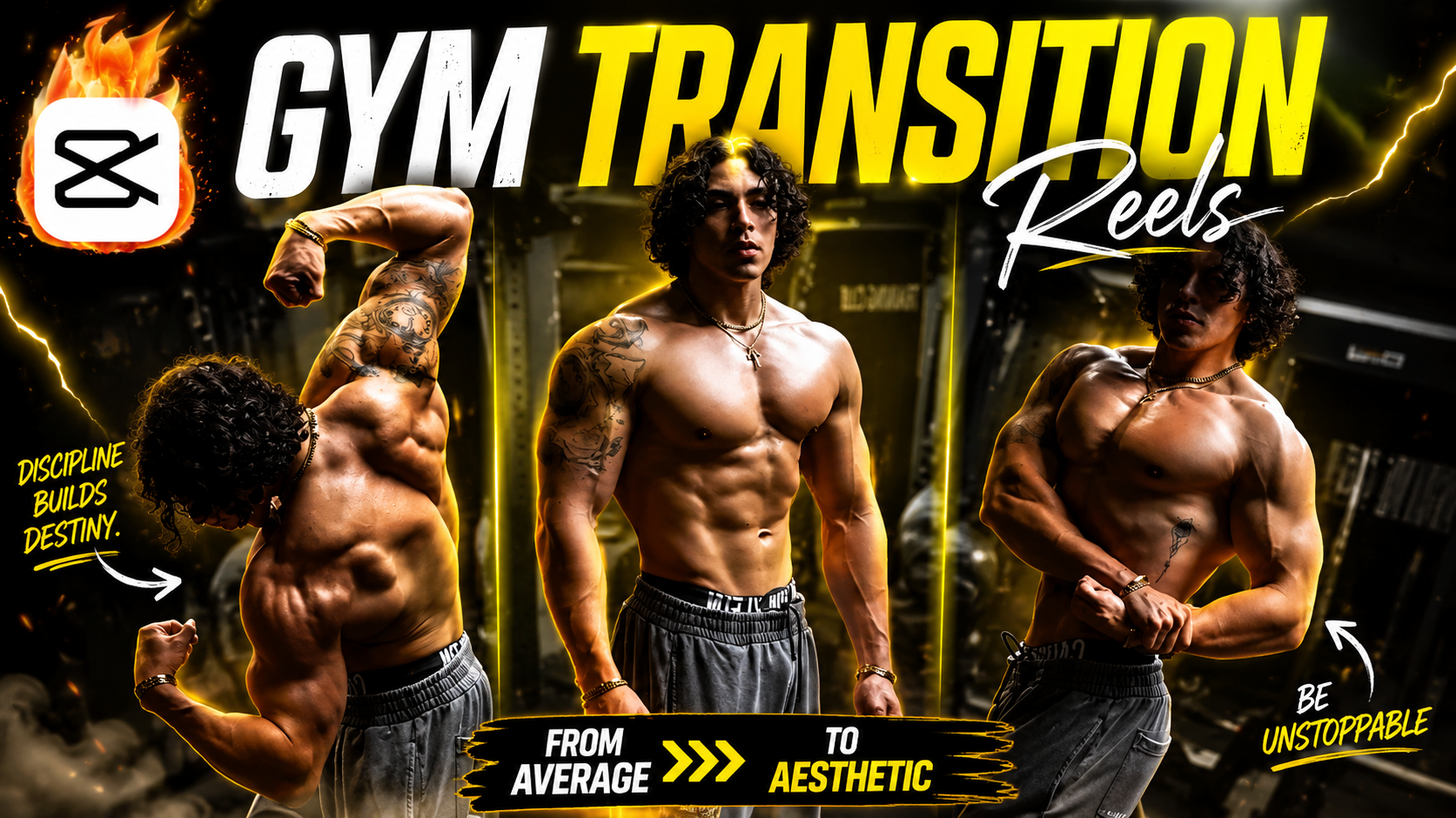
The gym transition video trend has absolutely exploded across social media in 2026. Whether you’re on TikTok, Instagram Reels, or YouTube Shorts, you’ve probably seen those satisfying clips where someone transforms from an everyday look to full gym mode—all within seconds using smooth editing effects.
If you want to jump on this trend and create content that actually gets views, you’ve come to the right place. CapCut has become the go-to video editing app for creators because it’s intuitive, powerful, and completely free. In this guide, I’ll walk you through everything you need to know about creating gym transitions that stop your audience mid-scroll.
What you’ll learn:
- The science behind why gym transitions go viral
- Step-by-step process for editing gym transitions in CapCut
- Professional effects and timing techniques
- Common mistakes that hurt engagement
- Real examples and trending sounds to use
Let’s dive in.
1. Why Gym Transitions Are Dominating Social Media in 2026
The Psychology Behind the Trend
Gym transitions work because they tap into something universal: transformation. Your audience loves watching change happen in real-time. When you combine this psychological appeal with smooth editing and trending sounds, you create content that’s practically designed to go viral.
CapCut gym transitions specifically have become the gold standard because they look professional without requiring expensive equipment or years of editing experience. A well-executed gym transition can get 50,000+ views in 48 hours if you nail the timing and music selection.
Why This Format Keeps Trending
The beauty of gym transitions is that they’re endlessly customizable. Whether you’re showing:
- Casual to confident gym mode
- Tired to energized transformation
- Regular clothes to workout fit
- Before/after aesthetic changes
Each variation performs well because viewers connect with the narrative of self-improvement and dedication. On platforms like TikTok and Instagram Reels, transformation content consistently outperforms other formats by 3-4x in engagement metrics.
2. How to Make a Gym Transition in CapCut: Complete Setup Guide
Getting Started with CapCut Settings
Before you start editing, optimize your CapCut workspace:
- Open CapCut and create a new project
- Set your aspect ratio to 9:16 (vertical for Reels/TikTok) or 1:1 (square for more flexibility)
- Import your footage – you’ll need at least two clips:
- First clip: Your “before” state (casual outfit, different location)
- Second clip: Your “after” state (gym outfit, gym location or posed position)
The Technical Foundation
The secret to a viral gym transition isn’t just about the effects—it’s about timing. Most viral transitions happen in 0.5 to 1.5 seconds. Here’s why:
- Your brain processes the “transformation” as magic
- Shorter transitions keep retention high
- They’re snackable and shareable
- Trending sounds fit perfectly into this timeframe
Pro tip: Shoot both clips from the same angle for the smoothest effect. If you’re transitioning between two locations, film from identical positions with consistent lighting.
3. The Step-by-Step Process for Creating Your Gym Transition
Phase 1: Import and Arrange Your Clips
- Drag your “before” clip into the timeline first
- Place your “after” clip directly after it
- Trim each clip to roughly 1-2 seconds (trim the first clip shorter if needed)
- Make sure they’re connected on the timeline with no gap between them
Phase 2: Add Your Transition Effect
The most popular effects for gym transitions in 2026 are:
Jump Cut Transition:
- Click the transition icon between clips
- Select “Jump Cut” or “Cut” effect
- This creates that clean, satisfying snap effect
- Duration: Keep it around 0.2-0.3 seconds
Push/Wipe Transition:
- Choose “Push” or “Wipe” effect
- Perfect for dramatic reveals
- Works especially well with fast-cut music drops
- Duration: 0.3-0.5 seconds
Zoom Transition:
- Zoom effects add cinematic quality
- Great when paired with sound effects (whoosh, wind)
- Duration: 0.5-0.8 seconds
Phase 3: Timing Your Sound
This is where magic happens. Here’s what separates viral transitions from average ones:
- Find trending sounds related to gym, fitness, or transformation
- Listen to the beat and identify the drop or main hook
- Position your transition to happen exactly on that musical moment
- Add sound effects like:
- Whoosh sound (before the drop)
- Hit sound effect (on the transition point)
- Energy boost sound (after transformation)
The timing needs to be pixel-perfect. Your transition should happen within 0.1 seconds of the main beat drop.
Phase 4: Add Visual Enhancements
Enhance your gym transition with these techniques:
Color Grading:
- Make your “before” clip slightly cooler (more blue)
- Make your “after” clip warmer and more vibrant (more saturated)
- This emphasizes the transformation psychologically
- Use CapCut’s “Adjust” > “Color” feature
Slow Motion:
- Use 0.5x slow motion on the before clip (shows hesitation)
- Use 1.25x speed on the after clip (shows confidence)
- Creates narrative flow
Light Effects:
- Add a subtle light leak or glow on the transition point
- Use “Effects” > “Light” > “Lens Flare” or “Glow”
- Keeps it subtle (strength: 30-50%)
4. Trending Sounds and Music for Maximum Viral Potential
What Makes a Sound Go Viral
Not all sounds work for gym transitions. The best ones have:
- A clear drop or beat change
- High energy
- Recognition factor (popular in fitness communities)
- Emotional resonance with self-improvement messaging
Top Sounds to Use in 2026
High-Energy Beats:
- “Motivation” style tracks (lo-fi and hip-hop beats)
- EDM drops with vocal hooks
- Trap and drill beats with snappy rhythm
Recognition Sounds:
- Trending TikTok sounds related to “transformation”
- Gym motivation audio clips
- Famous movie quotes about fitness or growth
Pro Strategy: Use trending sounds early. When a sound is brand new, algorithm algorithms favor content using it. Aim to post your transition within 24-48 hours of discovering a trending sound for maximum algorithmic boost.
5. Common Mistakes That Kill Viral Potential
Mistake #1: Timing Issues
What kills engagement: Transitions that happen off-beat or feel clunky.
Fix: Use CapCut’s beat marking feature. Mark where the music drops before you edit the video effect to match perfectly.
Mistake #2: Mismatched Lighting
What kills engagement: Jumping between clips with completely different lighting makes transitions look amateur.
Fix: Control your environment. Film both clips with consistent lighting, or use color grading to make them match.
Mistake #3: Audio Imbalance
What kills engagement: Your transition effect sound effect is louder than the background music, creating jarring listening experience.
Fix: Keep your effect sounds at 60-70% volume and the track at 80-90%. Test on phone speakers before posting.
Mistake #4: Obvious Jump in Body Position
What kills engagement: If your body position changes drastically between clips, the “magic” is ruined.
Fix: Film with identical camera angles. Move between shots quickly and maintain your body position throughout both clips.
Mistake #5: Bad Video Quality
What kills engagement: Grainy, pixelated, or low-resolution content.
Fix: Film in at least 1080p. Use good lighting. Avoid zooming in CapCut (it loses quality).
6. Advanced Techniques to Stand Out in 2026
The Multiple Transition Stack
Instead of one transition, use 2-3 quick transitions in sequence:
- Casual you → Motivated you (1st transition)
- Motivated you → Gym mode you (2nd transition)
- Gym mode → You lifting (3rd transition)
This keeps the content fresh and holds attention longer.
The POV Angle Trick
Film your “before” clip looking at the camera, then film your “after” clip from a different angle looking confident/away from camera. This subtle shift reinforces the transformation narrative.
The Outfit Change Acceleration
Film yourself changing outfits between takes:
- Take 1: Casual clothes
- Take 2: Gym gear being pulled on
- Take 3: Fully suited up
Layer these with super quick cuts (0.3 seconds each) to create a rapid-fire transformation that feels explosive.
7. Posting Strategy for Maximum Reach
Best Times to Post in 2026
Post your gym transition when your audience is most active:
- Weekday evenings: 6-9 PM
- Early morning: 5-7 AM (pre-gym crew)
- Late night: 10-11 PM
Hashtag Strategy
Include 15-20 relevant hashtags:
- #GymTransition
- #CapCutTransition
- #FitnessContent
- #VentoTransition
- #TransformationVideo
- #ShortForm
- #GymMotivation
- #FitnessTraining
Caption Strategy
Write captions that encourage engagement:
- “From cozy to focused 💪 | This transition took 47 takes”
- “Can your phone handle this transition? 👀”
- “Guess how many times I filmed this”
- Add a relatable fitness/motivation quote
FAQ: Your Burning Questions About Gym Transitions
Q1: What phone do I need to make viral gym transitions?
A: Any smartphone with a decent camera works. The quality matters less than the creativity and timing. Even iPhone 11 or Samsung Galaxy A-series phones produce content that goes viral regularly.
Q2: How many takes does it typically take to get a perfect transition?
A: Professional creators often film 30-50 takes to get one perfect gym transition. Don’t get discouraged if your first attempts don’t look smooth—this is completely normal.
Q3: Can I make gym transitions without the gym?
A: Absolutely. Your “gym” can be your bedroom, living room, or any location with good lighting. The transformation narrative matters more than the actual gym setting.
Q4: What if my before and after clips have different lighting?
A: Use CapCut’s color adjustment features:
- Click on the darker clip
- Go to Adjust > Color
- Increase brightness (+15 to +30)
- Match them visually before using the transition
Q5: How do I know if my transition is actually good?
A: Show it to 5 people who aren’t creators. If they say “whoa that was smooth” or ask how you did it, you’re on the right track.
Conclusion: Start Creating Your Viral Gym Transitions Today
Making a viral gym transition in CapCut isn’t rocket science—it’s about understanding three core elements:
- Timing: Your transition must match the music beat perfectly
- Visual consistency: Lighting and camera angles should be identical
- Sound design: The audio experience makes or breaks the transition
You now have the complete blueprint that creators are using in 2026 to rack up hundreds of thousands of views. The difference between a transition that gets 500 views and one that gets 50,000 usually comes down to these technical details.
Your next step? Don’t just read this guide—apply it immediately. Film your first gym transition this week, post it, and iterate based on the feedback you get.
Remember: The best gym transition you’ll ever make is the one you actually create and share. Every viral creator on your feed started exactly where you are right now—with the knowledge and zero confidence. You’re already ahead because you understand the mechanics.
Ready to blow up? Open CapCut, grab your phone, and create that transformation content. Your audience is waiting.
Have you created a gym transition? Share your results in the comments below—I’d love to see what you create!
Leave a Reply