


Introduction
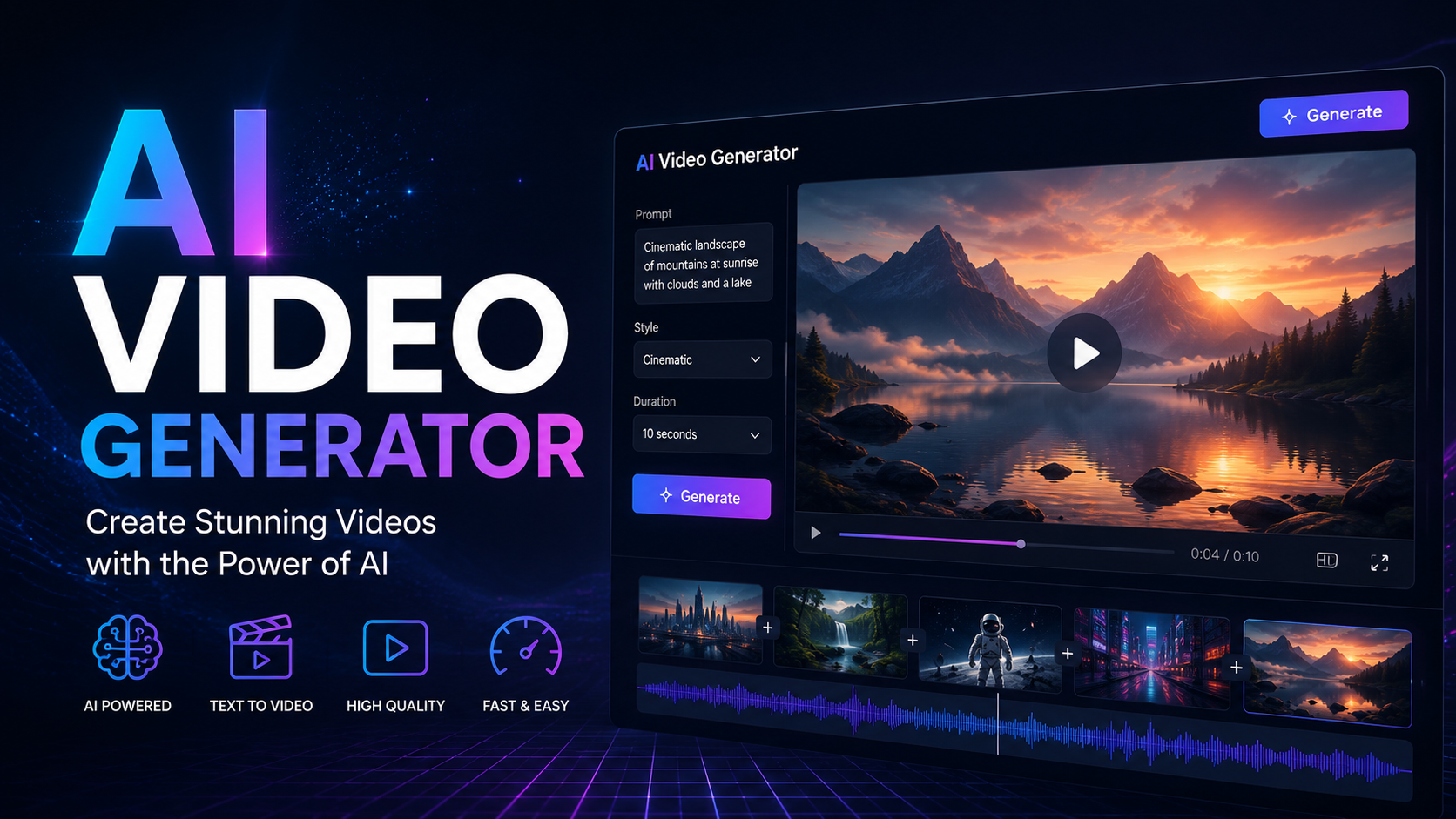
Five years ago, making a decent video meant either hiring an editor or spending weeks learning software like Premiere Pro. Today, you can type a sentence and watch an AI turn it into a finished video clip before your coffee gets cold.
That’s the promise of an AI video generator free tool — and it’s not just hype. Whether you’re a small business owner who needs social media content, a student working on a class project, or a content creator testing ideas before committing to a paid plan, free AI video tools have gotten genuinely good. They’re not perfect substitutes for professional production, but for a huge range of everyday needs, they’re more than enough.
In this guide, you’ll learn what these tools actually do, which free options are worth your time, how to get good results, and where the limitations are — so you’re not blindsided by watermarks or rendering caps halfway through your project.
What Is an AI Video Generator (and How Does It Actually Work)?
An AI video generator is software that creates video content from minimal input — usually text, an image, or a short script — using machine learning models trained on huge libraries of video and motion data.
Most free AI video maker tools fall into one of three categories:
- Text-to-video tools — you type a description, and the AI generates matching footage or animated scenes
- Template-based generators — you provide a script or blog post, and the AI matches it with stock footage, voiceover, and captions
- Avatar/presenter tools — a digital presenter reads your script on camera, useful for explainer videos or course content
Under the hood, these tools use diffusion models or generative adversarial networks (GANs) to predict frames, blend visuals, and sync audio — technology that’s advanced rapidly over the past two years. You don’t need to understand the math, but it helps to know that quality varies a lot depending on how specific and detailed your prompt is.
Best Free AI Video Generator Tools Worth Trying
There’s no single “best” tool — it depends on what you’re making. Here’s a practical breakdown:
For Social Media Clips
Tools like CapCut’s AI features and Canva’s video AI are strong if you want fast turnaround for Reels, TikToks, or Shorts. They include free stock libraries, auto-captioning, and simple text-to-video AI free options baked into an already-familiar editor.
For Text-to-Video Generation
If you want raw, AI-generated footage from a written prompt, platforms like Runway, Pika, and Kling offer free tiers with limited monthly credits. These are the closest thing to “type a sentence, get a movie clip” — though free plans usually cap you at short clips (4-10 seconds) with watermarks.
For Explainer and Training Videos
Free AI video maker platforms with avatar presenters (like the free tiers of Synthesia-style tools) work well if you need a talking-head video without hiring an actual presenter.
Internal linking opportunity: if you have existing content comparing video editing software or AI writing tools, link here — readers researching free AI video tools are often also researching adjacent AI content tools.
Step-by-Step: How to Create a Video with a Free AI Generator
- Pick the right tool for your output. Don’t use a text-to-video generator if you actually need a polished marketing video with your own footage — use a template-based editor instead.
- Write a specific prompt. Vague prompts (“a city street”) produce generic results. Specific prompts (“a rainy city street at night, neon signs reflecting on wet pavement, slow camera pan”) produce noticeably better output.
- Generate and review. Most free tiers give you a handful of credits — use your first generation as a test, not a final draft.
- Edit and refine. Add captions, trim timing, or layer in your own voiceover using the platform’s built-in editor.
- Export and check for watermarks. Free plans almost always include a watermark or lower resolution export — factor this into your decision before you build a whole project around one tool.
Common Limitations of Free AI Video Generators
It’s worth being upfront about this, because most “best free tools” listicles gloss over it:
- Watermarks are standard on free tiers across nearly every platform
- Limited generation credits — typically 3 to 15 free generations per month
- Shorter clip lengths — often capped at 4-15 seconds per generation
- Lower resolution exports — usually 720p instead of 1080p or 4K
- Queue times during high-traffic periods, since free users are deprioritized
None of this makes free tools useless — it just means they’re best for testing concepts, learning the workflow, or producing lower-stakes content, before deciding if a paid plan is worth it for your specific use case.
Tips to Get Better Results from Any AI Video Generator Online
- Be visually specific, not just descriptive — mention lighting, camera angle, and motion, not just subject matter
- Keep clips short and modular — stitch several short AI-generated clips together rather than expecting one long, coherent scene
- Use AI for B-roll, not your whole story — many creators blend AI-generated footage with real footage or stock clips for a more polished final product
- Always preview before exporting — re-rendering eats into your free credit limit fast
Frequently Asked Questions
Is there a truly free AI video generator with no watermark?
A few tools offer limited watermark-free exports on free tiers, but most apply a watermark unless you upgrade. Check each platform’s current free-tier terms before relying on it for client work.
How long can a free AI-generated video be?
Most free plans cap individual clips between 4 and 15 seconds. You can stitch multiple clips together in an editor to build a longer final video.
Can I use AI-generated videos commercially?
This depends entirely on the platform’s terms of service — some allow commercial use even on free plans, others restrict it to paid tiers. Always check the specific platform’s licensing page before publishing commercially.
Do free AI video generators work well for product demos?
Template-based and avatar tools tend to work better than pure text-to-video tools for product demos, since you have more control over messaging and visuals.
What’s the easiest free AI video generator for beginners?
Tools built into platforms you already know — like Canva or CapCut — tend to have the gentlest learning curve since the AI features sit inside a familiar editor.
Conclusion
Free AI video generators have closed the gap between “I have an idea” and “I have a finished video” dramatically. They won’t replace a skilled editor on a big campaign, but for everyday content — social posts, quick explainers, concept testing — they’re a genuinely useful, zero-cost starting point.
If you’re ready to try one, start small: pick one tool, write a specific prompt, and judge the output before committing time to a bigger project. The right free tool for you depends on what you’re making, so test two or three before settling on a favorite.
Leave a Reply